Work Time Tracking System: How to Choose and Roll It Out in a Company
Timesheets, gut feelings and “everyone seems busy” are a poor basis for management decisions. A work time tracking system gives an objective picture: how much people actually work at the computer, where time goes and where the bottlenecks are. Let’s look at what types of systems exist and how to choose the right one.
- Tracking systems can be manual (timesheets) or automatic (programs on the PC).
- Automatic tracking is more accurate: active time, applications, websites.
- It runs on company devices with employee notification.
- Choose based on accuracy, reports and ease of rollout.
What types of work time tracking systems exist
Manual ones — timesheets and clock-in/clock-out records: simple, but inaccurate and easy to pad. Automatic ones — programs on work computers that record active time, applications and websites on their own. The second option gives an objective picture without manual entry.
What an automatic system provides
- Active time and idle time for each employee.
- Breakdown of time by applications and categories.
- Visited websites and overall trends.
- Reports by day, week and month.
How to choose a tracking system
- Accuracy. Automatic tracking instead of manual timesheets.
- Reports. Clear summaries for the manager.
- Rollout. Quick installation on work PCs.
- Legality. Employee notification, operation within the law.
- Flexibility. Phones and computers in one dashboard.
Example: Reptilicus for Windows
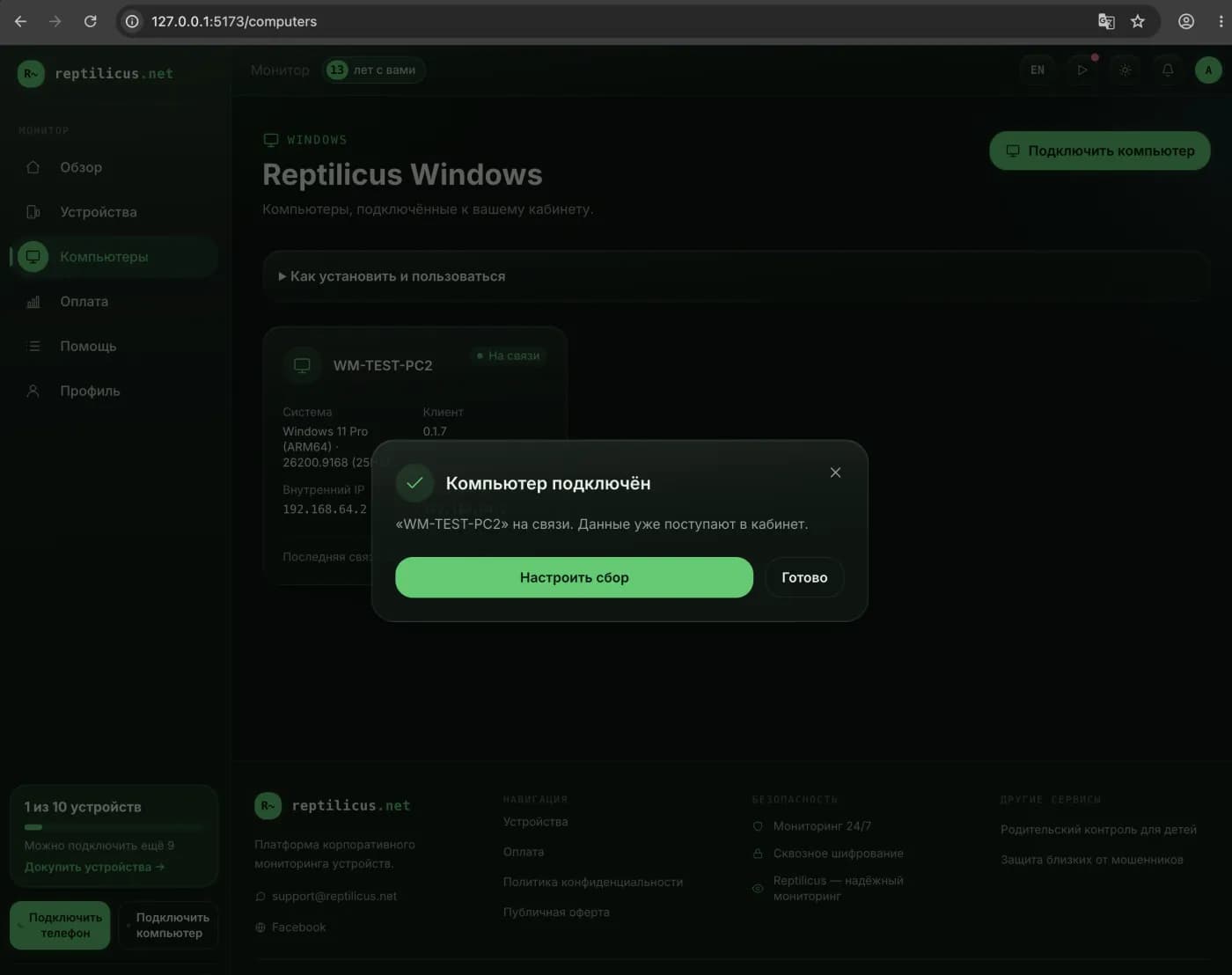
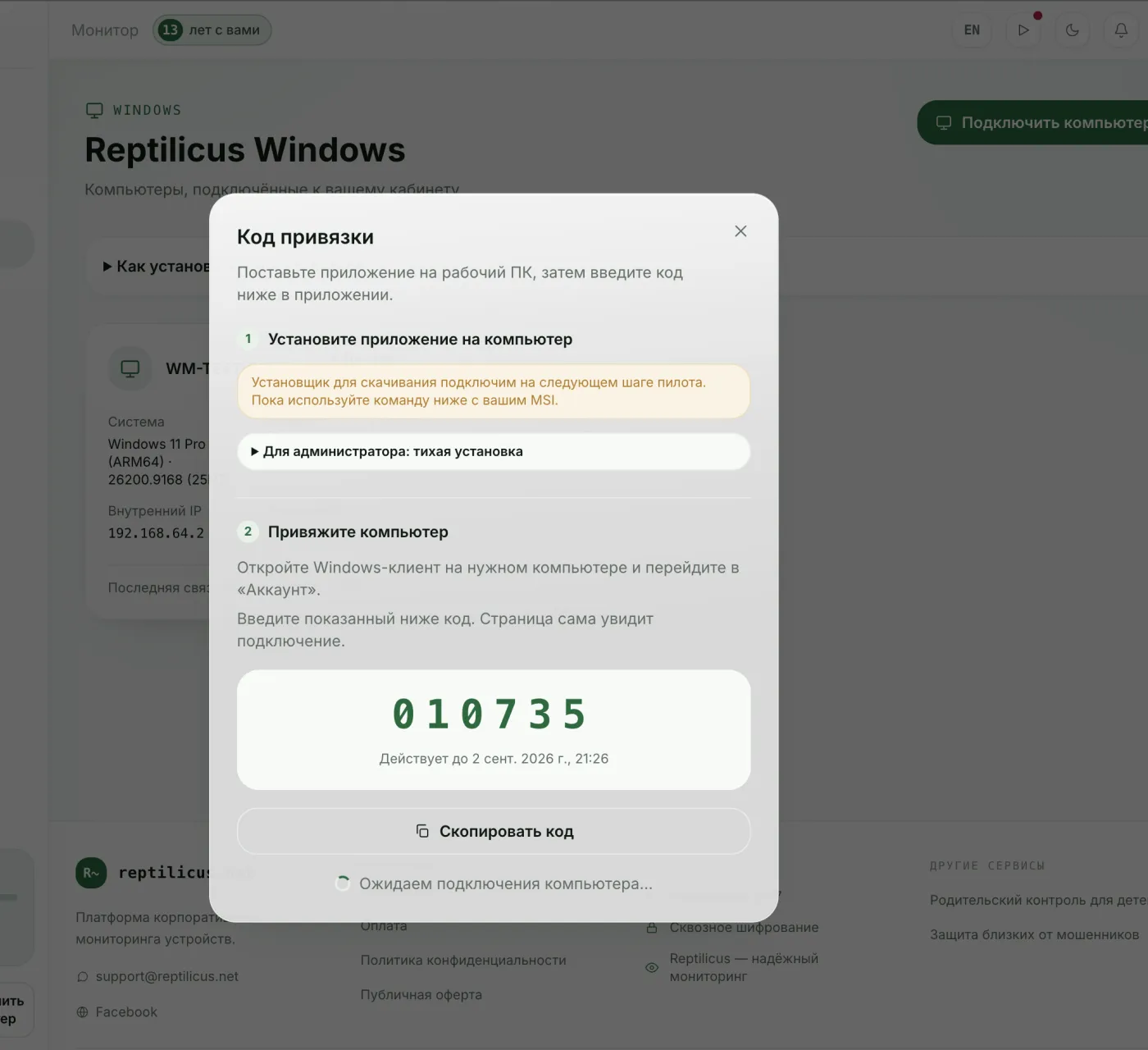
Reptilicus for Windows keeps automatic tracking: the dashboard shows an activity report with active time, idle time, top apps and the day’s timeline. Devices are counted in a common pool — phones and PCs together. Installing it on a work computer takes a minute.
How to roll it out without resistance
Explain to the team that tracking is for a fair distribution of workload and for planning, not for surveillance. Notify employees and set the procedure out in your documents. Transparency removes most of the objections.
Frequently asked questions
Why is an automatic system better than a timesheet?
A timesheet only records arrival and departure and is easy to pad. An automatic system shows real active time and what it was spent on.
Is it legal?
Yes, on company computers with employee notification.
Conclusion
A work time tracking system turns guesses into figures. Automatic tracking on work PCs is more accurate than timesheets — for example, Reptilicus for Windows: active time, applications and reports in one dashboard, legally and with notification.

Reptilicus for Windows
Screenshots, apps, websites and computer activity in one dashboard. Phones and PCs together. First 24 hours free.
Create a dashboard — the Windows installer will be in the “Computers” section