Employee Monitoring: Software, Features and How to Choose
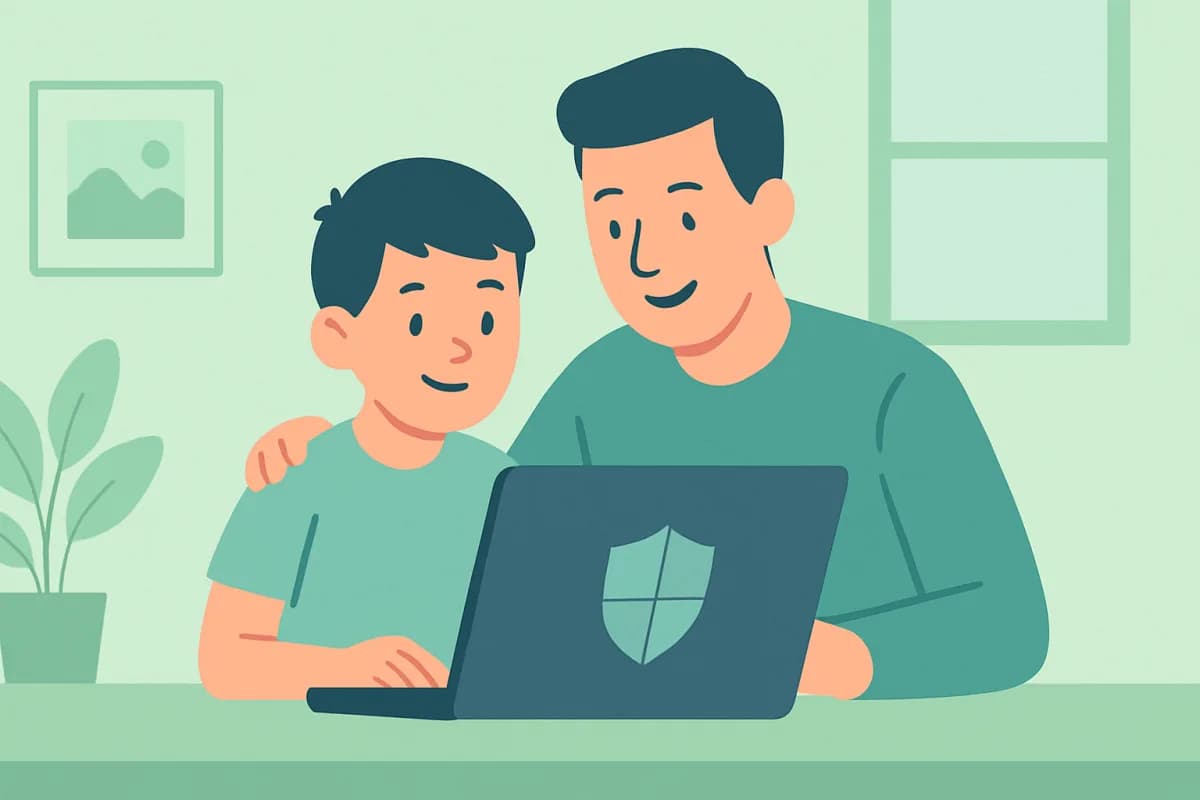
Employee monitoring helps a manager understand how work time and equipment are used, spot problems early and protect company data. The key is to do it legally and transparently. Let's look at what monitoring software can do and how to choose the right one.
- Monitoring shows activity, apps and sites, and guards against leaks.
- It runs on work devices with staff notified in advance.
- When choosing, look at the feature set, reports and ease of use.
- The software gives the facts; the manager draws the conclusions.
What monitoring software can do
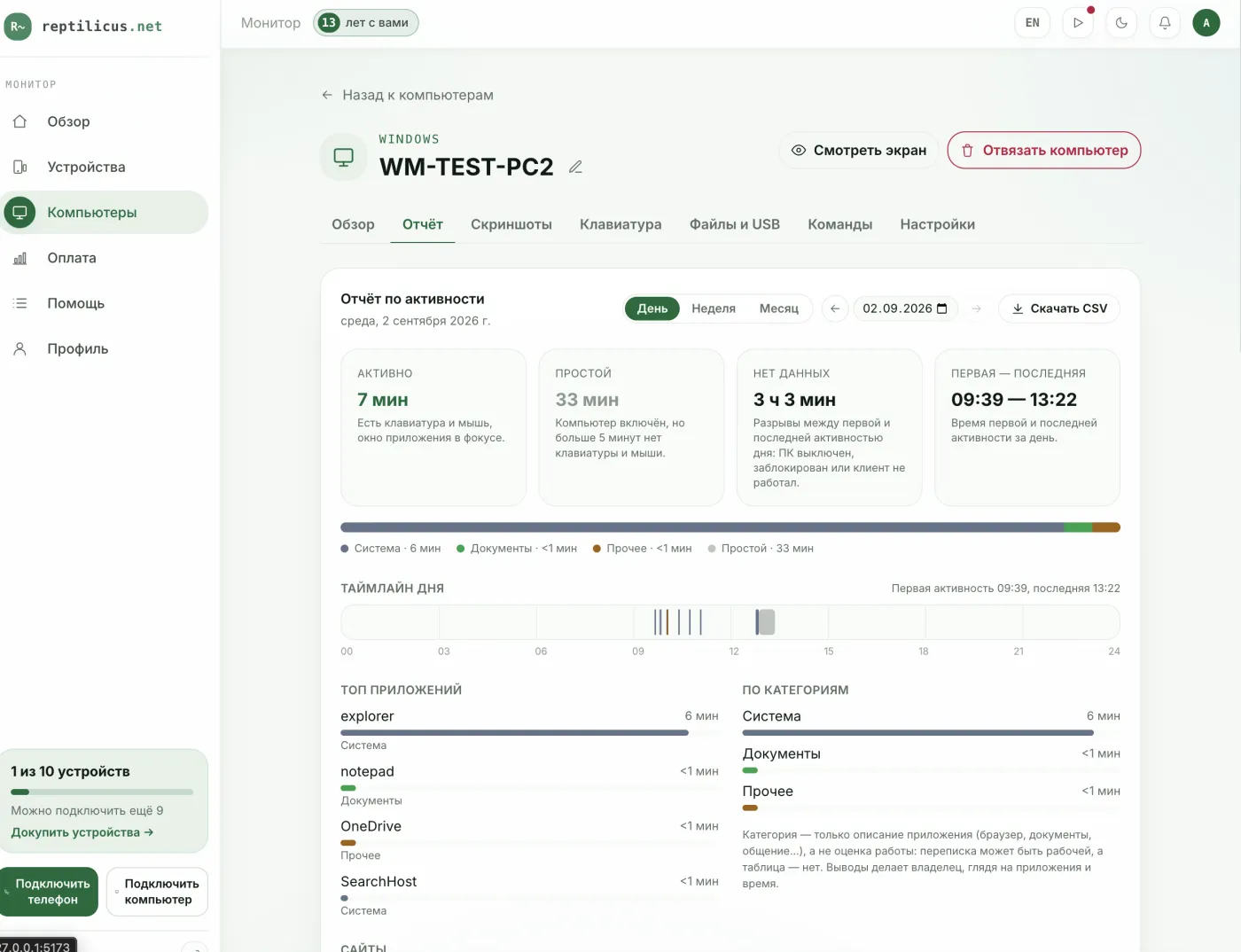
- Activity tracking. Active time, idle periods, a timeline of the day.
- App and site history. What people did on the computer.
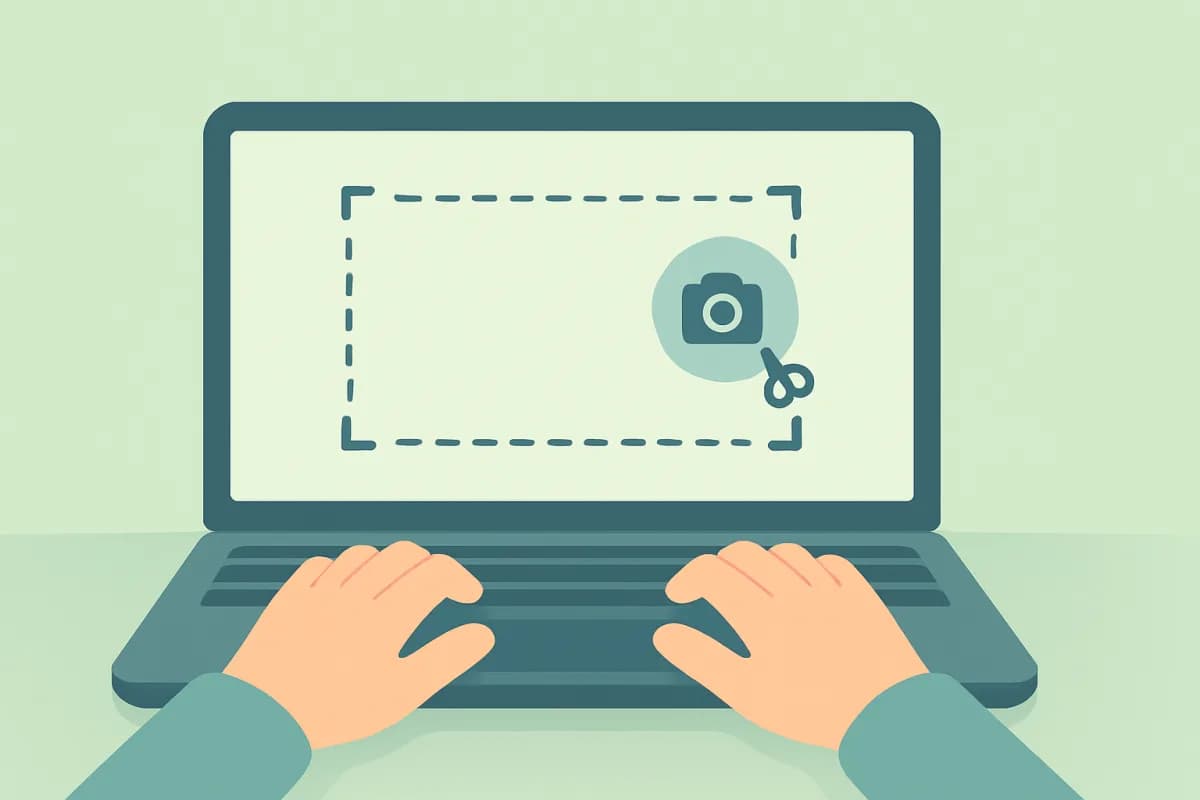
- Screenshots. A clear day-by-day picture.
- Leak channels. USB, printing, files, clipboard.
How to choose monitoring software
- Feature set. Is time tracking enough, or do you also need screenshots and leak control?
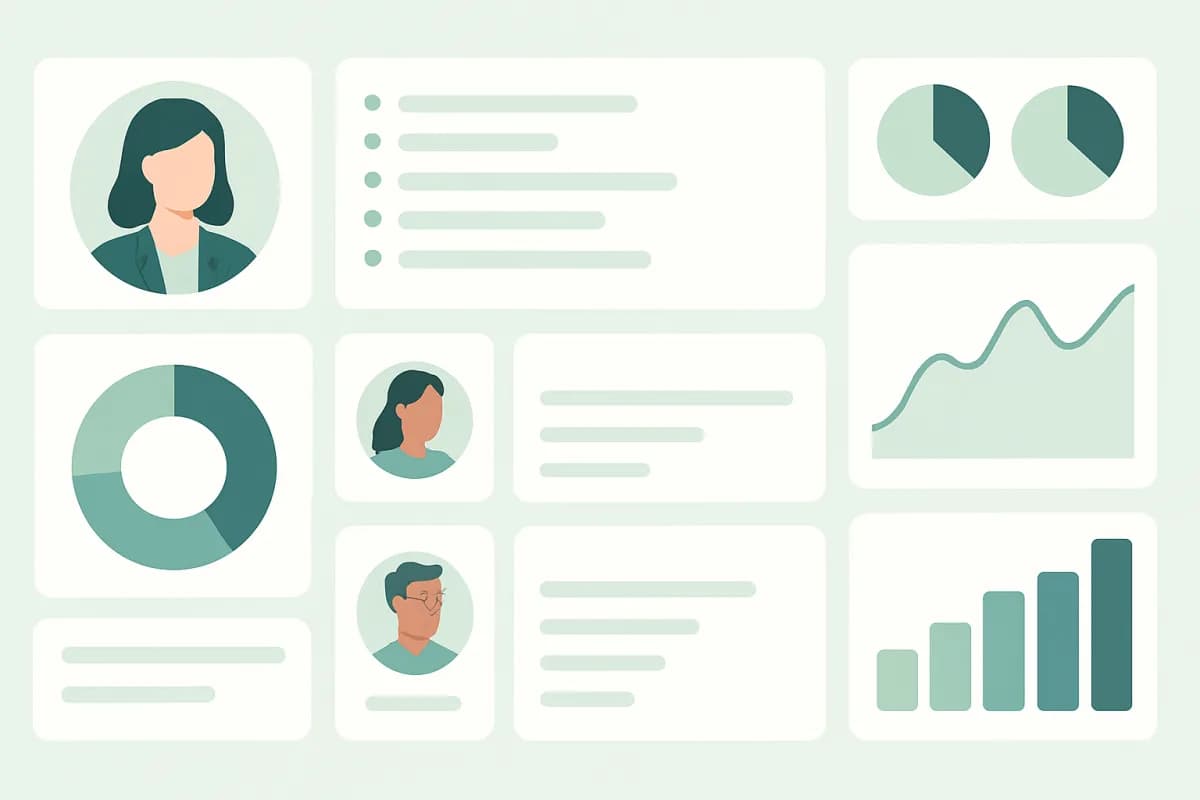
- Reports. A clear dashboard instead of raw logs.
- Rollout. Quick installation on work PCs.
- Legality. Operation with employees notified.
- Single pool. Phones and computers in one dashboard.
Example: Reptilicus for Windows
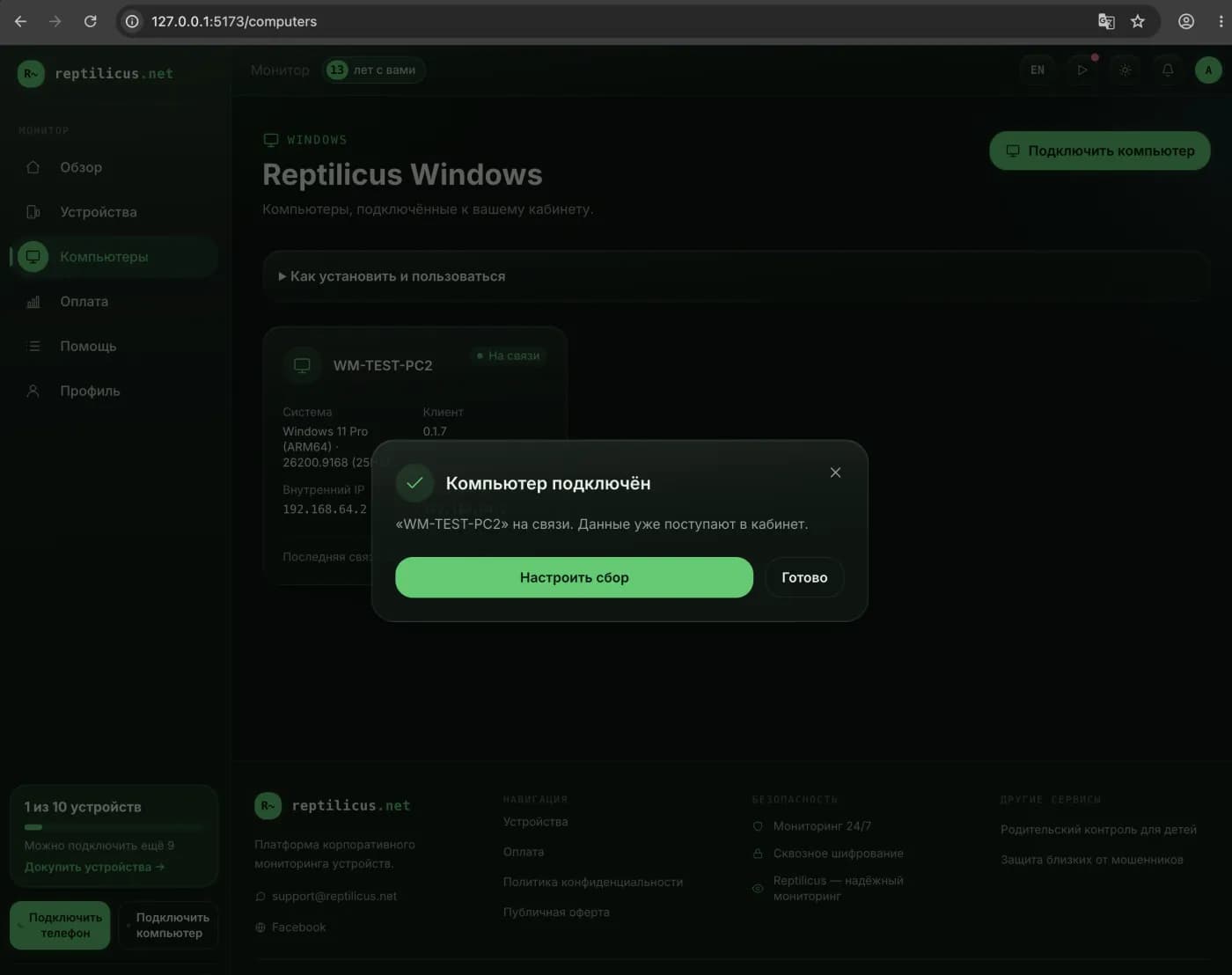
Reptilicus for Windows gathers an activity report, app and site history, screenshots, plus USB, print and file events into one dashboard. Devices count in a shared pool — phones and PCs together. Installation takes a minute using a code from the dashboard.
Legal and ethical
Monitoring is legal on work equipment when employees are notified. Personal devices and covert surveillance are off limits. Put the rules in writing and don't collect more than you need.
Frequently asked questions
Is employee monitoring legal?
Yes, on work devices and with employees notified. This is corporate oversight of work PCs, not covert surveillance.
Where do I start?
Define the goal — time tracking, screenshots or leak protection — and pick software to match; for basic needs a lightweight tool with a clear dashboard is enough.
Conclusion
Employee monitoring is a tool for management and data protection, not punishment. Choose it to fit the task and work transparently; Reptilicus for Windows covers the core needs — activity, screenshots and leak control in one dashboard, legally and with notice.
Reptilicus for Windows
Screenshots, apps, sites and computer activity in one dashboard. Phones and PCs together. First 24 hours free.
Create a dashboard — the Windows installer will be in the “Computers” section