Employee Work Time Control: Methods and Software
Work time control isn’t about catching an employee slacking off — it’s about an honest picture of the workload and fair planning. When you can see the real distribution of time, it’s easier to spot overloads, bottlenecks and losses. Let’s look at the methods that work and how to roll them out without pressure.
- Methods: timesheets, self-reports and automatic tracking on the PC.
- Automatic tracking is more accurate and requires no manual entry.
- It shows active time, apps, websites and idle time.
- It’s legal on company devices with notification.
Methods of work time control
- Timesheets and clock-ins. Simple arrival/departure records, but without detail and easy to pad.
- Self-reports. Employees log their own time — subjective and draining.
- Automatic tracking. A program on the work PC counts active time and what it was spent on by itself.
What automatic tracking shows
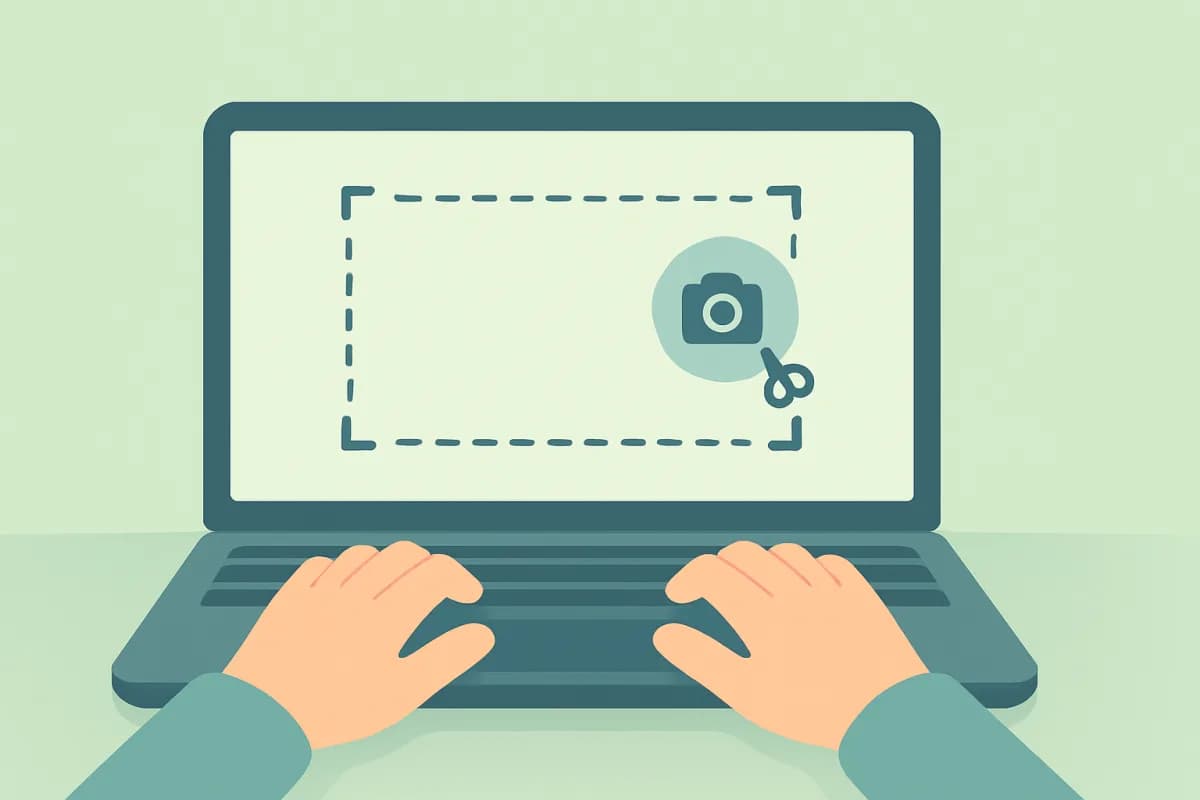
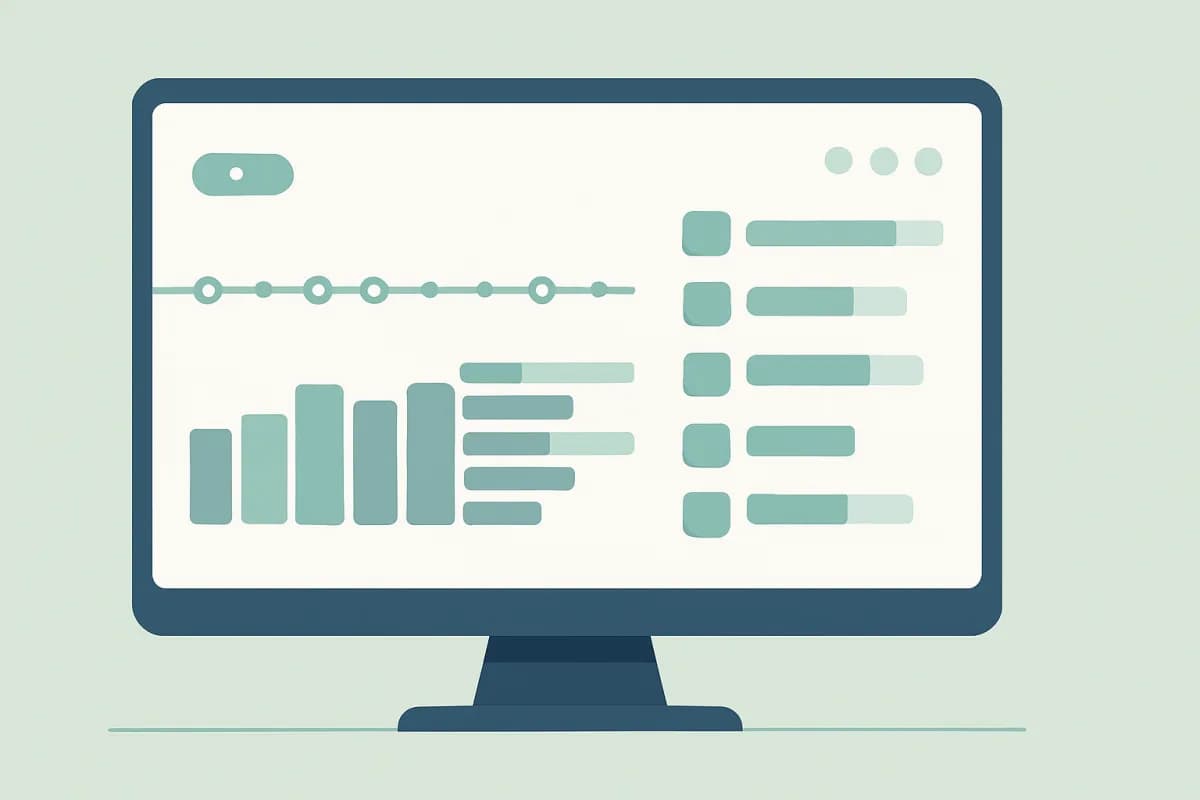
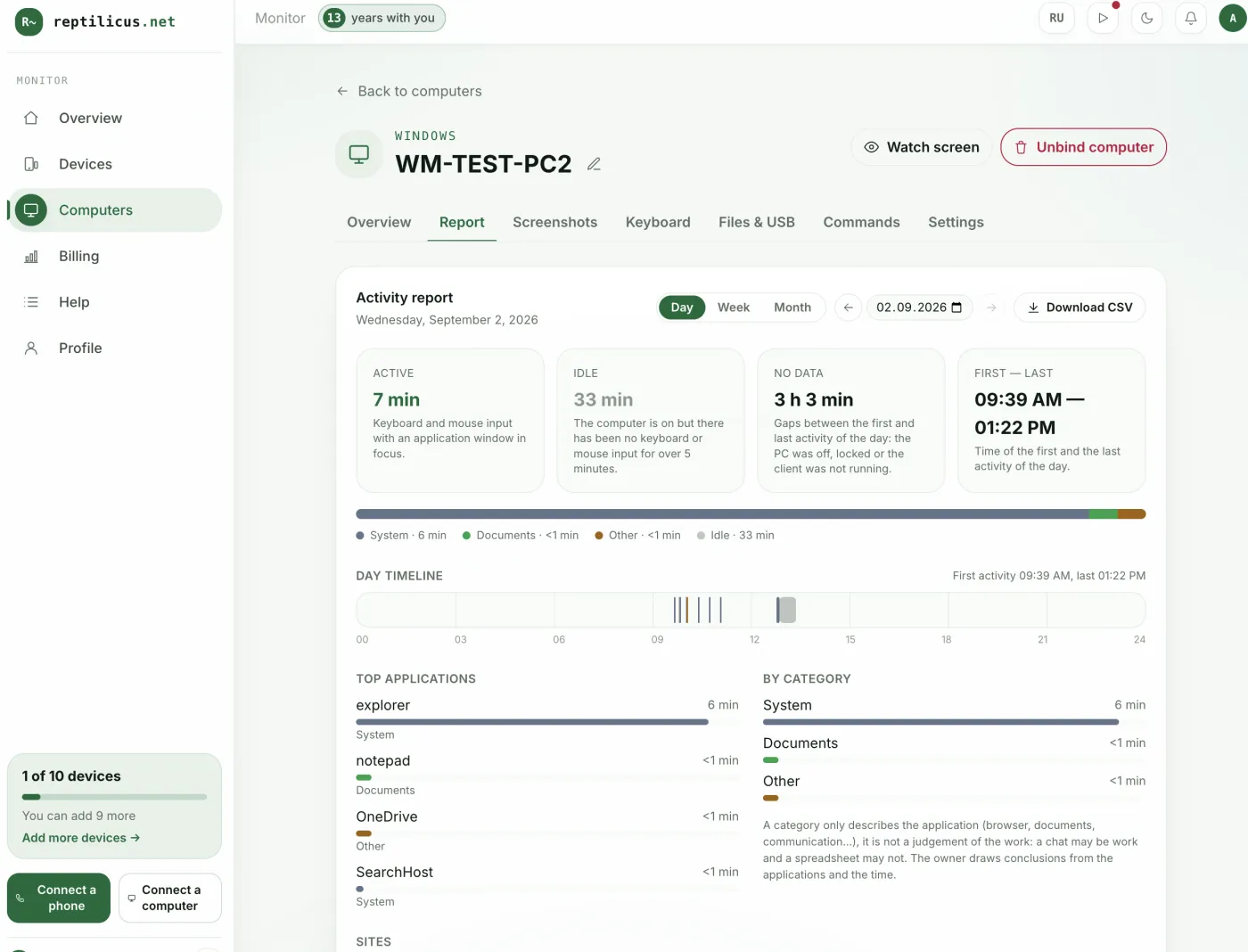
The program records active time (when there’s keyboard and mouse input and the application window is in focus), idle time, top apps and categories, visited websites and the day’s timeline. This gives an objective picture without manual entry.
How to roll out control
- Install the tracking program on company computers.
- Link them by code from the dashboard.
- View activity reports by day, week and month.
In Reptilicus for Windows, work time control is done automatically: the dashboard shows an activity report with active time, idle time and top apps. The manager draws the conclusions; the software provides the facts.
How not to demotivate the team
Control is taken calmly when it’s open and evaluates the result, not every minute. Notify employees, explain the purpose — a fair workload and planning — and set the procedure out in your documents.
Frequently asked questions
Which time control method is best?
For an accurate picture — automatic tracking on work PCs: it’s more objective than timesheets and self-reports.
Is it legal?
Yes, on company devices with employee notification.
Conclusion
Work time control is about an honest picture and planning, not about punishment. Automatic tracking on work PCs gives objective data — for example, Reptilicus for Windows: active time, applications and reports in one dashboard, legally and with notification.
Reptilicus for Windows
Screenshots, apps, websites and computer activity in one dashboard. Phones and PCs together. First 24 hours free.
Create a dashboard — the Windows installer will be in the “Computers” section