Time Tracker for Employees: Tracking Work Hours and Tasks
Where does the team’s working time go? A time tracker answers this question: it shows how much time tasks and applications took, where hours are lost and how the load is distributed. This helps you plan more realistically and avoid overloading people. Let’s look at how to choose a time tracker and roll it out without pressure.
- A time tracker records time by applications, websites and tasks.
- It helps you see the workload, plan and find where time is lost.
- It runs on company PCs with employee notification.
- It’s important to evaluate the result, not every minute.
What a time tracker is
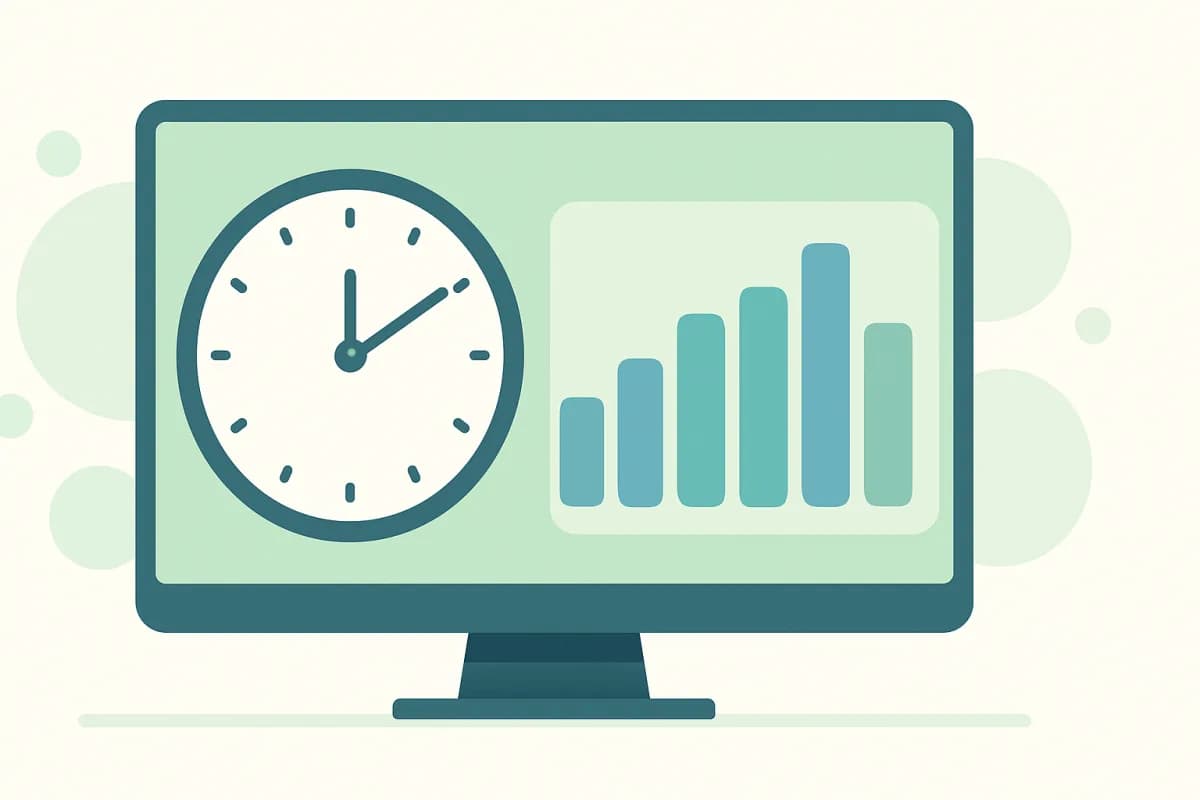
A time tracker is a tool for tracking work hours. It records how much time an employee spent in various programs and on websites, and sometimes by task. The result is a clear picture of the working day: active time, idle time and the breakdown by application.
Why a team needs a time tracker
- Realistic planning. You can see how much tasks actually take.
- Balanced load. Who is overloaded and who has spare capacity.
- Finding lost time. Where hours go on non-core work.
- Transparency. Objective data instead of gut feeling.
How to choose a time tracker
- Automatic tracking. So you don’t have to make people start timers manually.
- Clear reports. Active time, applications, categories.
- Simple rollout. Quick installation and setup.
- Legality. Operation with employee notification.
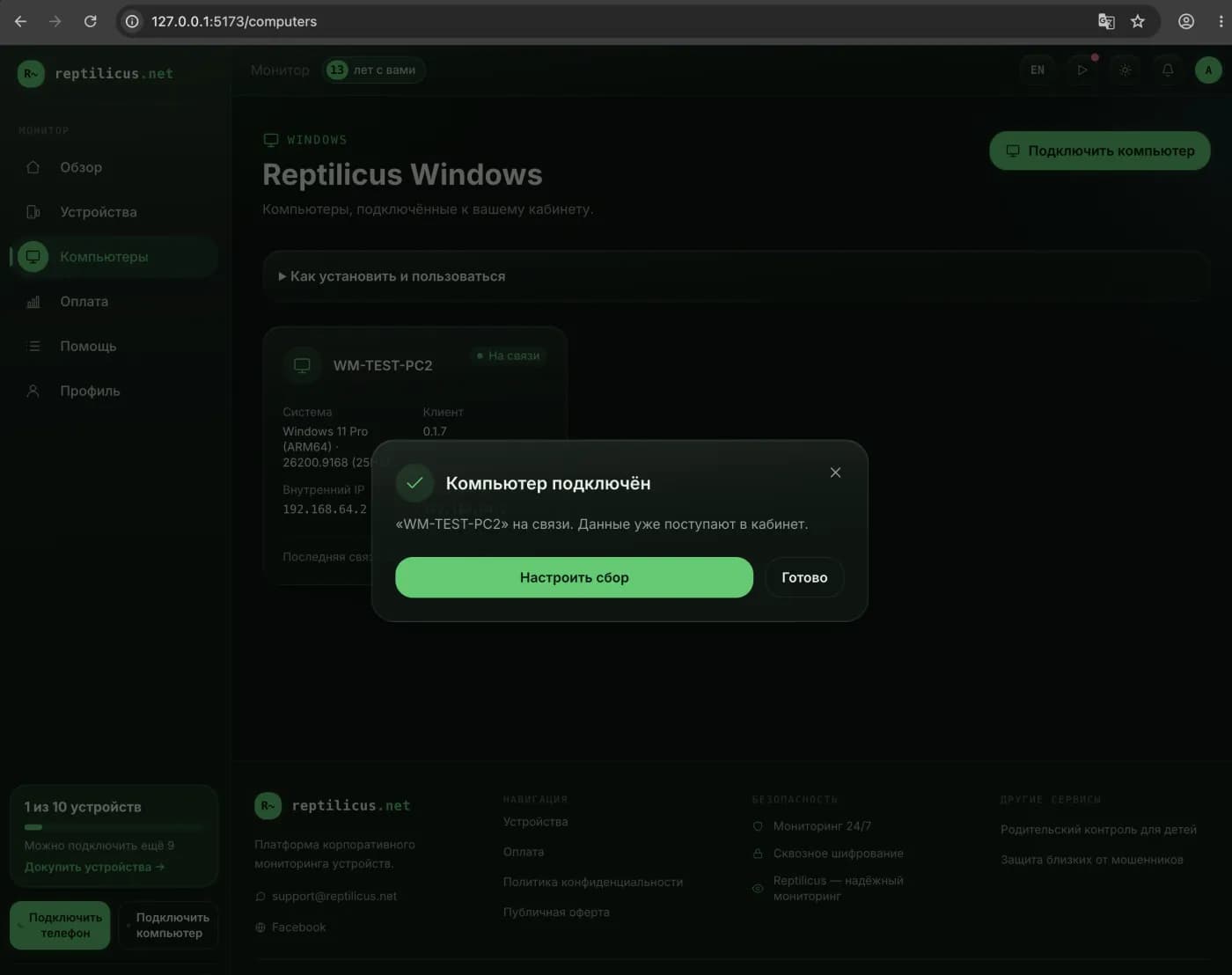
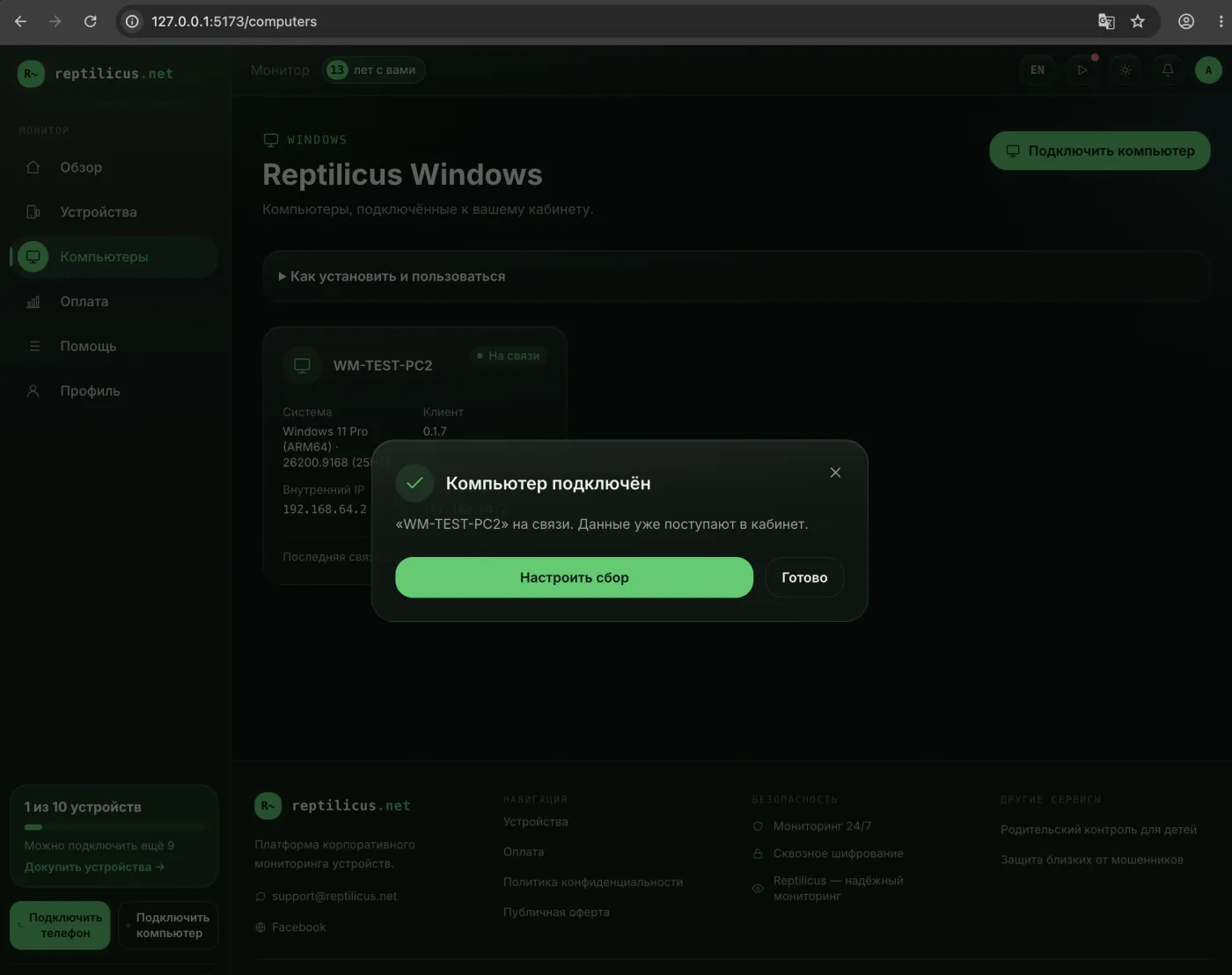
Example: time tracking in Reptilicus for Windows
In Reptilicus for Windows, time is tracked automatically: the dashboard shows active time and idle time, top apps and categories, and the day’s timeline. A category here describes the application (browser, documents, communication) rather than judging the work — the manager draws the conclusions. PCs and phones appear in one dashboard.
How to roll it out without pressure
A time tracker works better when the team understands its purpose. Explain that tracking is for planning and a fair workload, not for punishment. Evaluate results and trends rather than individual minutes — then the tool helps instead of demotivating.
Frequently asked questions
Does a time tracker have to be installed on the computer?
Automatic trackers run as a program on the work PC and record time without manual timers. This is more accurate than manual entry.
Is it legal?
Yes, on company devices with employee notification.
Conclusion
A time tracker helps you understand where working time goes and plan more realistically. Choose automatic tracking with clear reports — for example, Reptilicus for Windows, where time is counted on its own and the manager sees the team’s workload in one dashboard.

Reptilicus for Windows
Screenshots, apps, websites and computer activity in one dashboard. Phones and PCs together. First 24 hours free.
Create a dashboard — the Windows installer will be in the “Computers” section