Remote Desktop: How to Monitor Employees Working Remotely
Remote work is convenient, but a manager faces a question: how do you know an employee is actually working and not busy with their own things? Constantly connecting to a remote desktop is awkward and intrusive. There is a calmer path — activity-tracking software that shows the picture of the day without micromanagement.
- A direct connection to the remote desktop is for helping out, not for constant monitoring.
- For monitoring, a tracking program is handier: active time, apps, websites, screenshots.
- Monitoring is legal on company devices with employee notification.
- The manager evaluates the work; the software provides the facts.
Remote desktop and monitoring — what’s the difference
A remote desktop (RDP, TeamViewer, AnyDesk and the like) is a direct connection to an employee’s screen. It’s great for helping with a task or showing something, but it doesn’t work for regular monitoring: you can’t stay connected all the time, and it’s uncomfortable for the employee when someone is watching in real time. For monitoring work, activity-tracking software is more convenient.
What a tracking program shows on remote work
- Active time and idle time. How much they actually worked at the computer.
- Apps and time in them. Work applications or entertainment.
- Visited websites. What they did in the browser.
- Screen screenshots. A clear picture of the working day.
How to set up monitoring of remote employees
- Install the tracking program on employees’ company PCs.
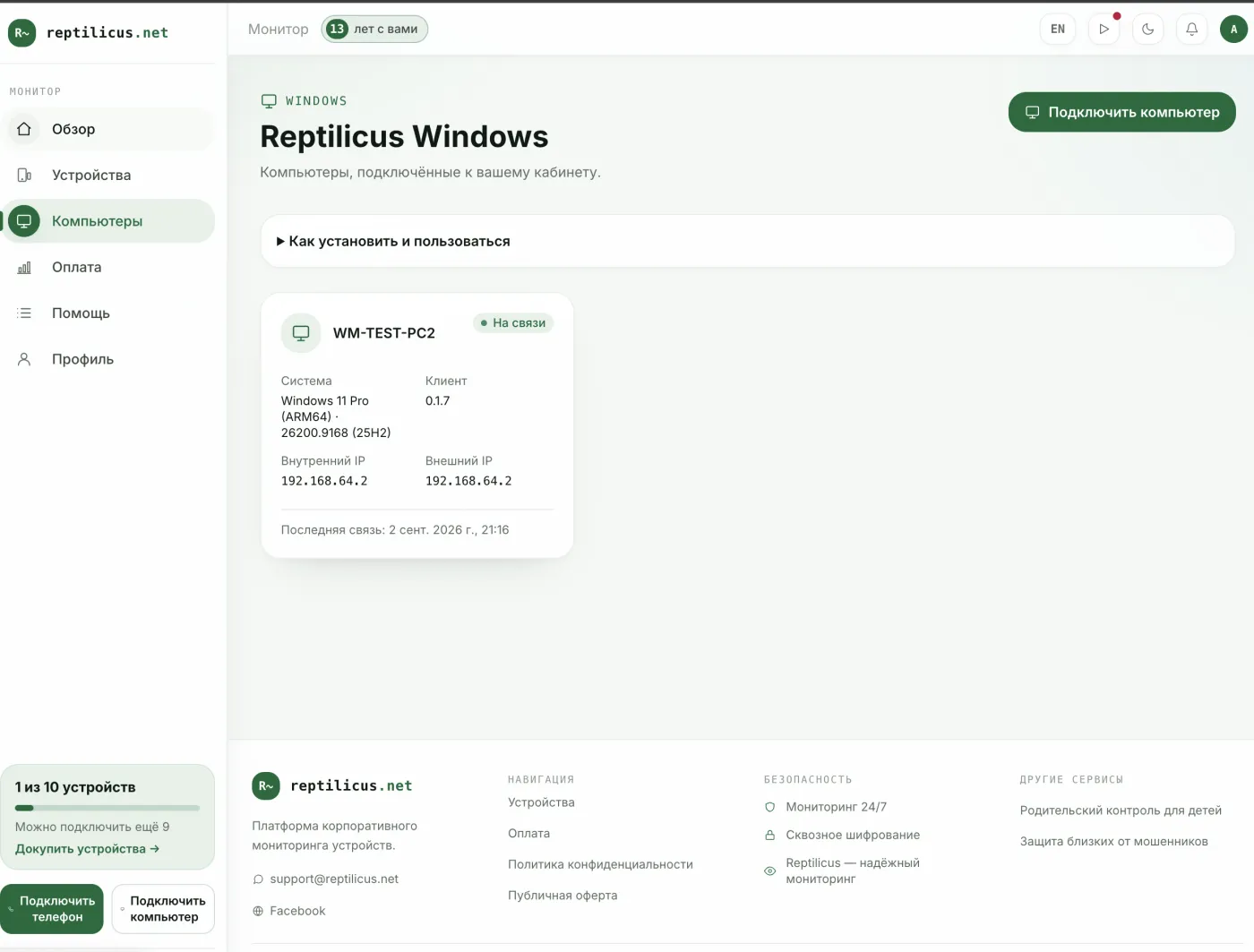
- Link the computers with a code from the dashboard.
- View activity reports remotely, from any device.
In Reptilicus for Windows, a manager sees an activity report for each remote PC in the dashboard: active time, idle time, the day’s timeline, top apps and websites. This gives an understanding of the team’s workload without intrusively connecting to the screen.
Legal and humane
Monitoring remote employees is legal on company devices with notification. Agree on the rules openly: people feel calmer about tracking when they understand that the result is being evaluated, not every minute.
Frequently asked questions
Can you watch a remote employee through a remote desktop?
A constant connection is awkward and intrusive. For monitoring, activity-tracking software with employee notification is a better fit.
Is it legal?
Yes, on company computers and with employee notification. Personal devices are off-limits for monitoring.
Conclusion
A remote desktop is great for helping out, but not for constant monitoring. To understand how a remote team works, use activity-tracking software — for example, Reptilicus for Windows: active time, apps, websites and screenshots in one dashboard, legally and with notification.
Reptilicus for Windows
Screenshots, apps, websites and computer activity in one dashboard. Phones and PCs together. First 24 hours free.
Create a dashboard — the Windows installer will be in the “Computers” section