Parental control for phone and computer: unified oversight of your children
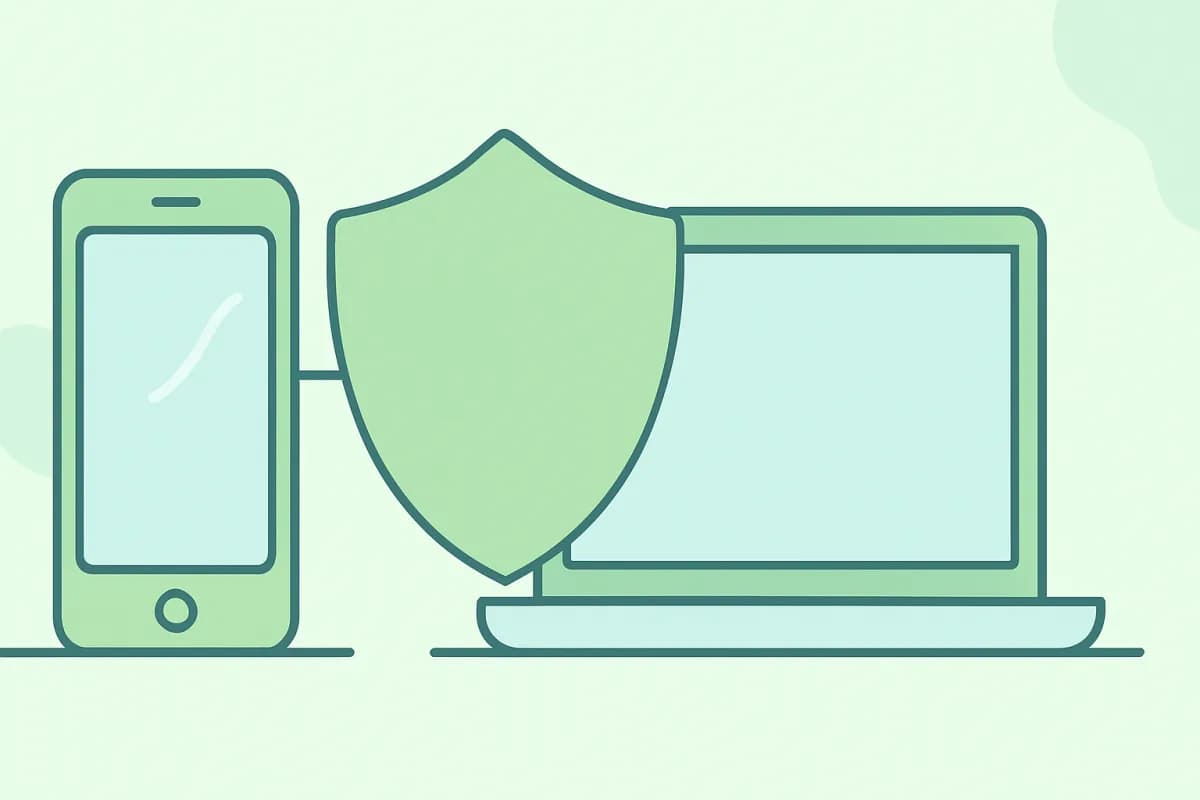
A modern child usually has more than one device: a smartphone for chatting and games, a computer for schoolwork. Setting up parental control on each one separately is inconvenient, yet you want to see the whole picture. The good news is that a phone and a computer can be kept under oversight in one place.
- Parental control is more convenient when it covers all of your child’s devices at once.
- On a phone and a PC, time limits, app and site history, and screenshots are useful.
- A single dashboard shows phones and computers in one list.
- Keep control open — agreements work better than bans.
Why it’s convenient to keep everything in one place
When a child’s phone and computer are controlled by different apps, it’s easy to miss the picture: on the PC they were studying, while on the phone they were up half the night gaming. A single dashboard gathers activity from all devices, and you see the child’s whole day rather than fragments of it.
What to monitor on a phone
- Screen time and per-app limits.
- Installed apps and time in them.
- Location (for safety).
- Communication and contacts — by age and agreement.
What to monitor on a computer
- Computer time and schedule.
- The history of programs and visited sites.
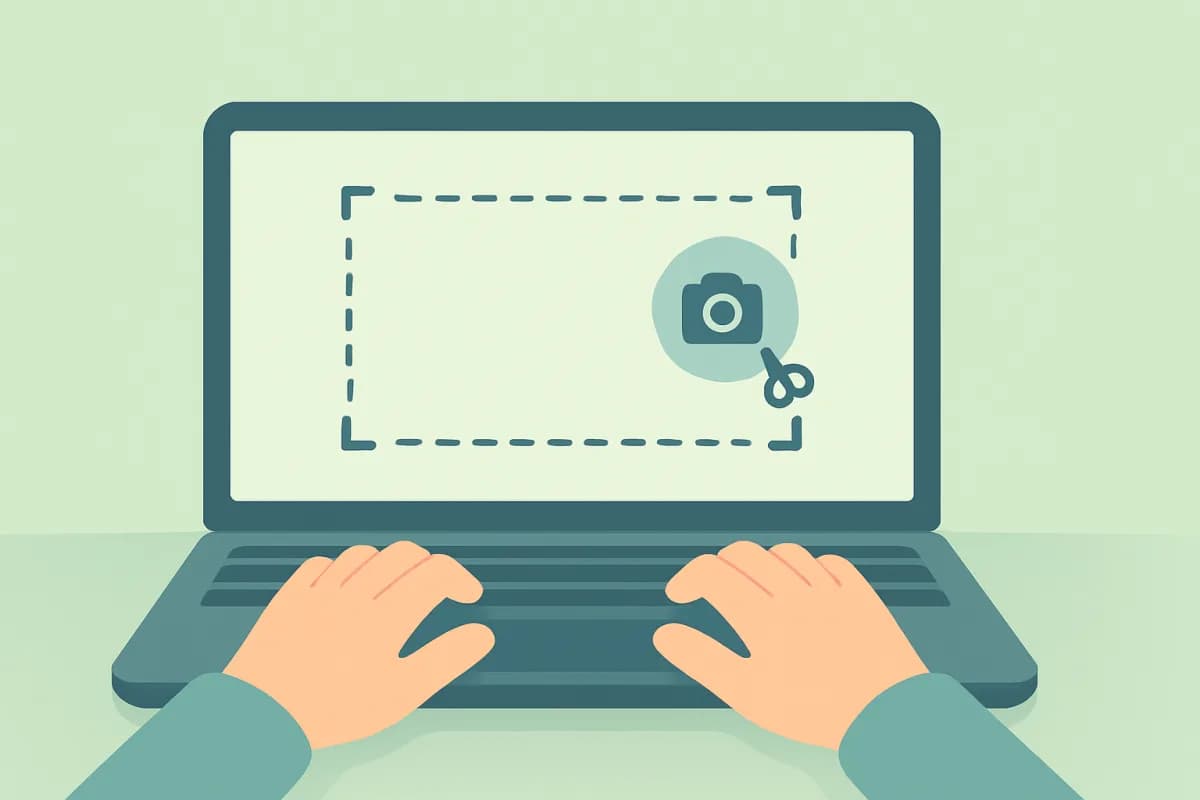
- Screen captures day by day.
- Activity and idle time throughout the day.
How to set up unified oversight
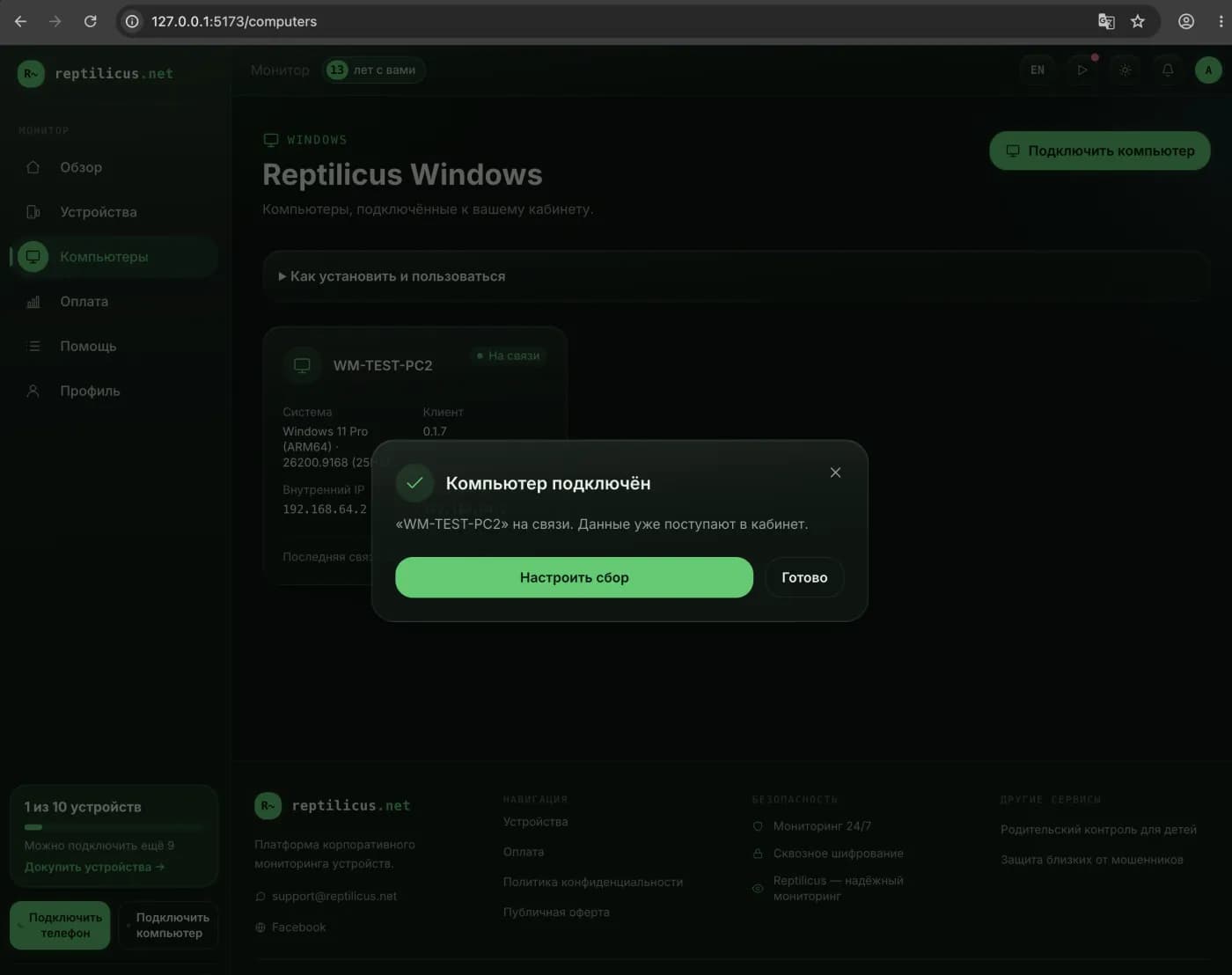
Products like Reptilicus let you keep phones and computers in one dashboard. A Windows computer connects in a minute with a code, a phone connects through an app, and all of your child’s devices appear in a shared list. In the plan, devices are counted together, whether it’s a phone or a PC.
- Create a dashboard and add your children’s devices.
- Install the Windows app on the computer and link it with a code.
- Watch the activity of all devices in one place.
How to agree with your child
Control works better when it’s open. Explain why the limits and oversight are needed, set clear rules and boundaries. Then parental control is seen as care rather than surveillance, and it doesn’t break trust.
Frequently asked questions
Can I control both a phone and a computer with one subscription?
Yes. In Reptilicus, devices are in a shared pool: phones and computers are counted together, and everything is visible in one dashboard.
Is it legal?
Parental control on your own minor child’s devices is legal. Only install these programs on your own family’s devices.
Conclusion
You don’t have to juggle separate apps for the phone and the computer — it’s more convenient to run parental control in a single dashboard where all of your child’s devices are in view. Reptilicus lets you connect both a phone and a Windows PC and keep oversight in one place, honestly and without needless bans.

Reptilicus for Windows
Screenshots, apps, sites and computer activity in one dashboard. Phones and PCs together. First day free.
Create a dashboard — the Windows installer will be in the “Computers” section