Monitoring Employee Internet Use: Visited Sites and Traffic at Work
Half the workday spent on social media and entertainment sites is a common cause of falling results. Monitoring employee internet use helps you see the real picture and gently restore order without turning the office into a zone of blanket blocks. Let's look at what tracking shows and how to roll it out legally.
- Tracking shows visited sites and time in the browser.
- Blocking everything usually backfires — transparency matters more.
- Monitoring is legal on work PCs with employees notified.
- The manager draws conclusions by looking at sites and time.
Why monitor internet use at work
It's not about banning breaks but about balance. When you can see that part of the day goes to non-work sites, you can calmly discuss it with the employee or rethink the workload. Site tracking also helps spot risks — for example, work with dubious resources.
What internet tracking shows
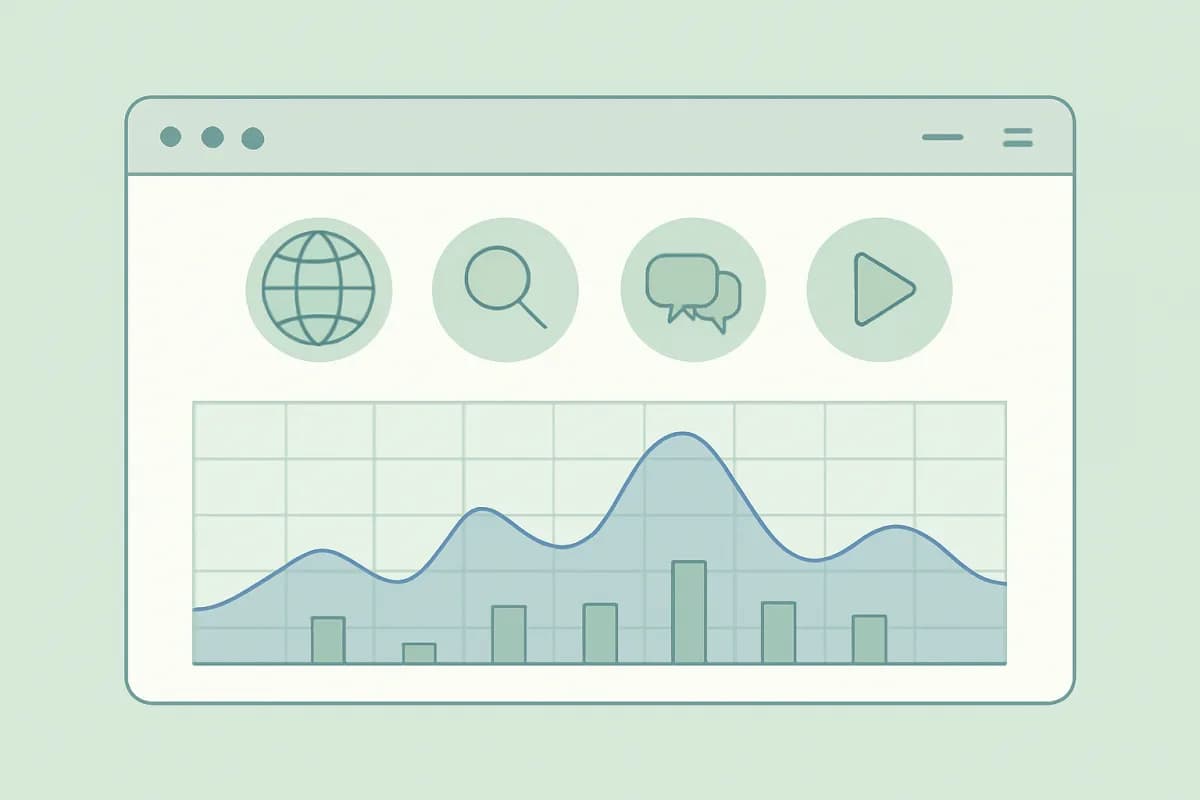
- Visited sites and how often.
- Time spent in the browser and on specific resources.
- The ratio of work to entertainment sites.
- Overall day-by-day trends.
Block or track
Blanket blocking often has the opposite effect: people look for workarounds and get annoyed. Usually transparent tracking plus agreements works better. When an employee knows browser time is tracked but results are what count, balance restores itself.
How to set up tracking
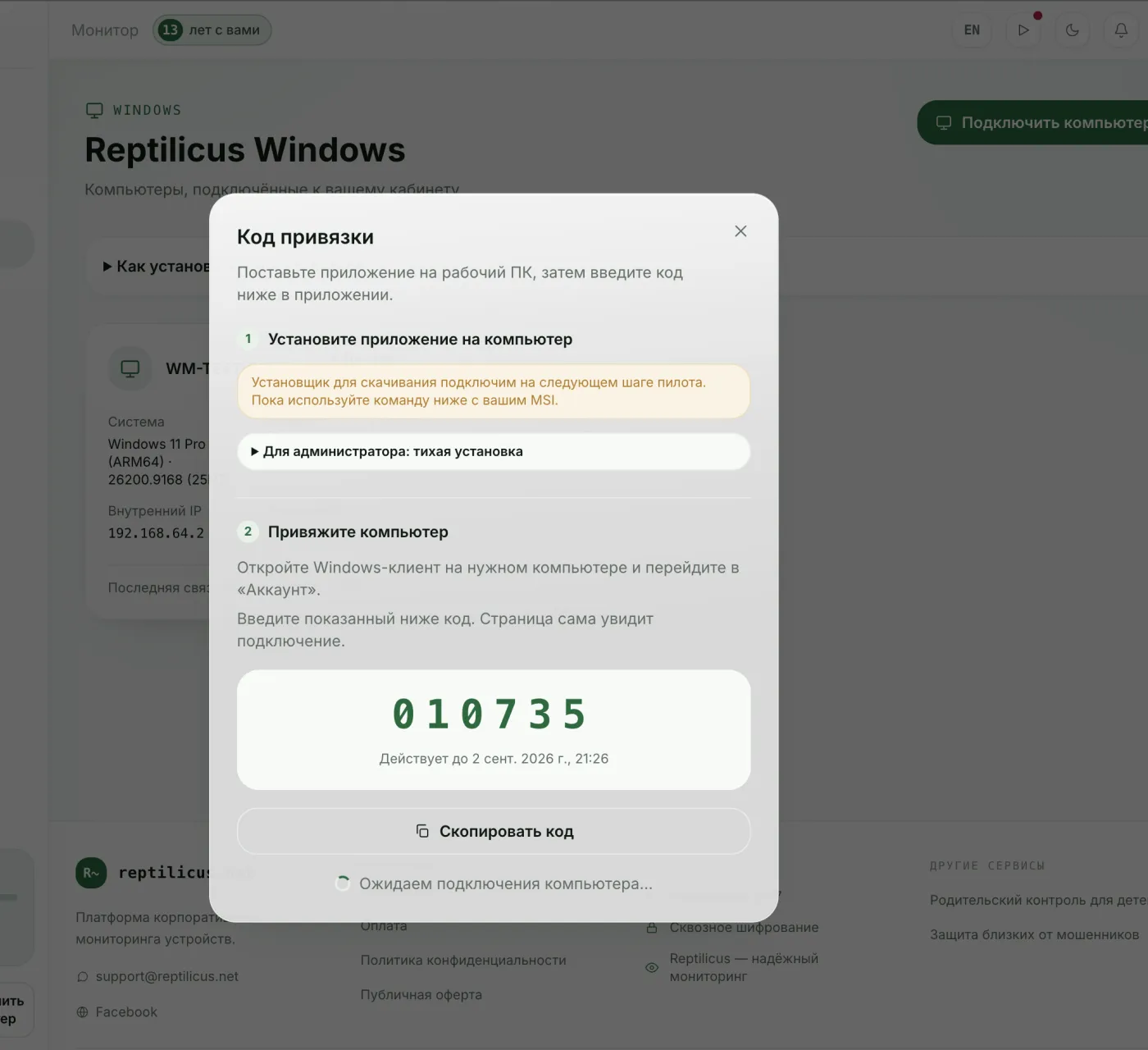
In Reptilicus for Windows the dashboard shows visited sites and time in apps alongside overall activity for the day. This gives you an understanding of where work time goes online, without blanket bans. Monitoring runs on work PCs with employees notified.
Legal and ethical
Internet monitoring is legal on work devices when employees are notified. Personal devices are off limits. Put the rules in writing and use the data only for work purposes.
Frequently asked questions
Can I see which sites an employee visits?
On a work computer and with notice — yes. It's part of corporate work-time tracking.
Which is better — blocking sites or tracking?
Transparent tracking and agreements are usually more effective: blocks provoke workarounds and resentment.
Conclusion
Monitoring employee internet use is about balance, not bans. Transparent tracking of visited sites and browser time helps restore order without blanket blocking — for example, in Reptilicus for Windows, legally and with notice.

Reptilicus for Windows
Screenshots, apps, sites and computer activity in one dashboard. Phones and PCs together. First 24 hours free.
Create a dashboard — the Windows installer will be in the “Computers” section