Keylogger: What It Is, How It Works, and How to Install One on Windows
The word "keylogger" sounds scary, though behind it lies a simple function — recording the text typed on the keyboard. It has both a harmful use (viruses that steal passwords) and a legitimate one: keeping an eye on a child's messaging or monitoring a company computer with the employee notified. Let's figure out what a keylogger is, how it works, and how to use it honestly.
- A keylogger is a program that records the text typed on the keyboard.
- It can be malicious (a virus that steals passwords) or legitimate (parental controls, corporate monitoring).
- It's legal on your own device, your child's device, or a company PC with the employee notified.
- Modern solutions show typed text in a convenient dashboard alongside screenshots and app history.
What a keylogger is in plain terms
A keylogger (from "key logger") is a program or device that records what a person types on the keyboard. In the context of monitoring it's one of the features: it helps you understand what a child wrote in a conversation or what queries were entered on a work computer.
How a keylogger works on Windows
A software keylogger runs in the background: it intercepts keystrokes and saves them to a log, often tied to the app and time. In legitimate solutions this log is sent to the owner's secure personal account, not somewhere on the side. Hardware keyloggers are separate devices placed between the keyboard and the computer; in everyday life they're almost never used.
Is it legal to use a keylogger?
The key question is whose device it is and whether there's consent. It's legal to use keystroke logging:
- on your own computer;
- on your minor child's device (parental controls);
- on a company's work computer, with the employee notified about the monitoring.
It's illegal to secretly install it on someone else's personal devices. That's not only unethical but also against the law.
A legal alternative to "spyware" keyloggers
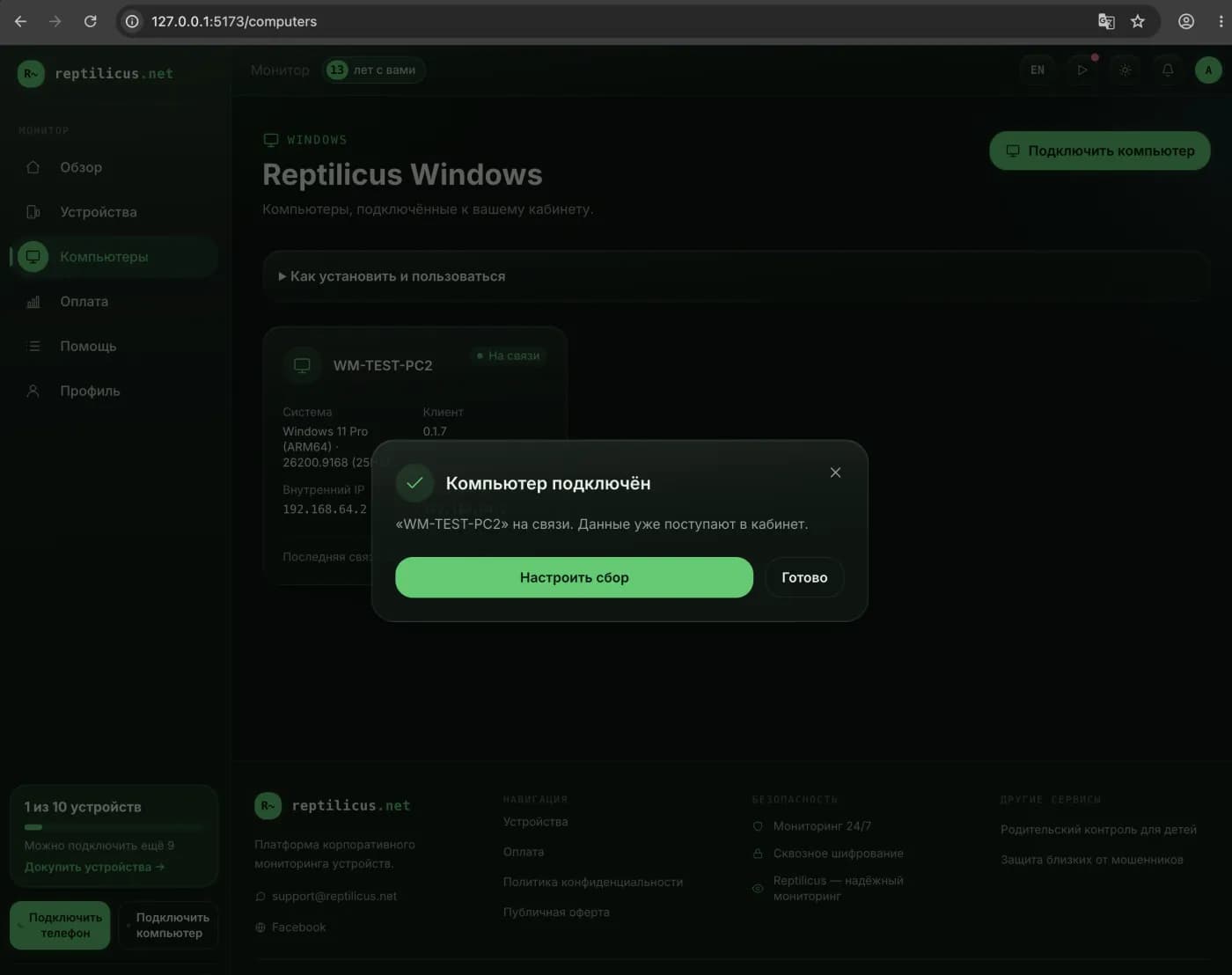
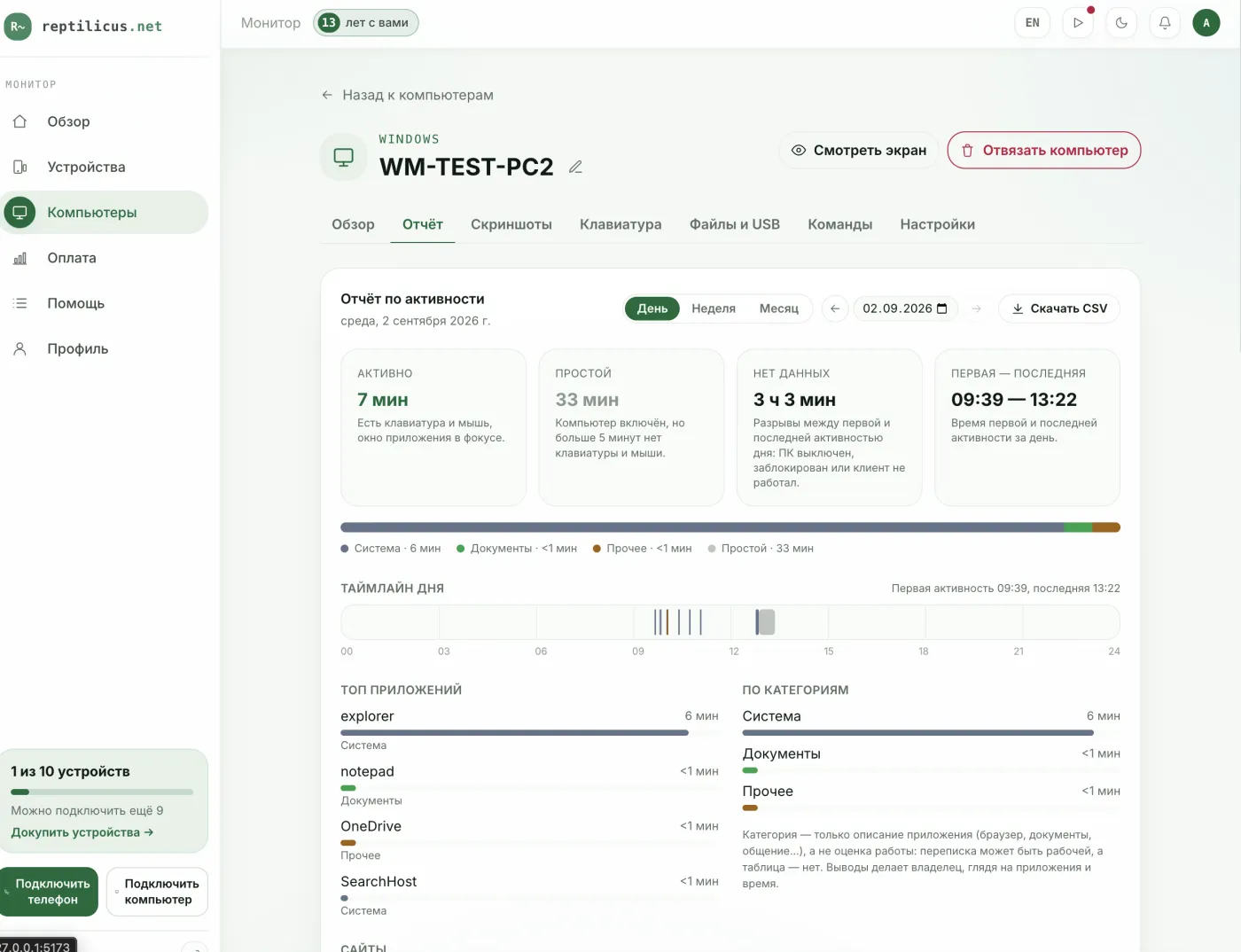
Instead of dubious programs from the internet, it's better to use a clear product where keystroke logging is just one of the features. For example, Reptilicus for Windows shows typed text in your personal account alongside screen screenshots and the history of apps and visited sites. This gives you the full picture, not just a "raw" list of keystrokes, and works within a legal framework (your own devices, employees notified).
How to turn on keystroke logging
- Install the program on the computer you need and pair it using the code from your account.
- Enable the collection of typed text in the settings.
- View the log in your account together with screenshots and activity.
Frequently asked questions
Is a keylogger a virus?
Not necessarily. Malicious keyloggers steal passwords covertly — that's a virus. Legitimate monitoring programs use the same function openly and with consent, on your own devices.
Will antivirus remove a keylogger?
Malicious ones — yes. Legitimate monitoring programs may be flagged by antivirus as potentially unwanted; on your own computer you add them to the exceptions.
Are passwords visible?
Responsible solutions don't collect or show passwords and codes. Look for products with a transparent policy.
Conclusion
A keylogger is a tool, and everything comes down to how it's used. You can't secretly install it on other people's devices. But for parental supervision or work-PC monitoring, use legitimate solutions with notification — for example, Reptilicus for Windows, where keystroke logging is complemented by screenshots and an activity history.

Reptilicus for Windows
Screenshots, programs, sites, and computer activity in one dashboard. Phones and PCs together. First 24 hours free.
Create a dashboard — the Windows installer will be in the “Computers” section