How to find out what an employee does at the computer: legal ways
A manager needs to understand how work time is used: some employees are overloaded, others spend half the day on social media. You can find out what an employee does at the computer legally — by tracking activity on company PCs with mandatory notice to employees. Let’s look at what data this gives you and how to set it all up properly.
- Monitoring is legal on company computers when employees are notified.
- The program shows active time, apps, sites and screenshots.
- The manager judges the work — the program gives facts, not “productive/unproductive” labels.
- Personal devices and covert surveillance are outside the law.
What you can find out legally
- Active time and idle periods. How much time at the computer was actually spent working.
- Apps and time in them. Which applications were used and for how long.
- Visited sites. Work resources or entertainment.
- Screen captures. A clear picture of the working day, day by day.
How it works in practice
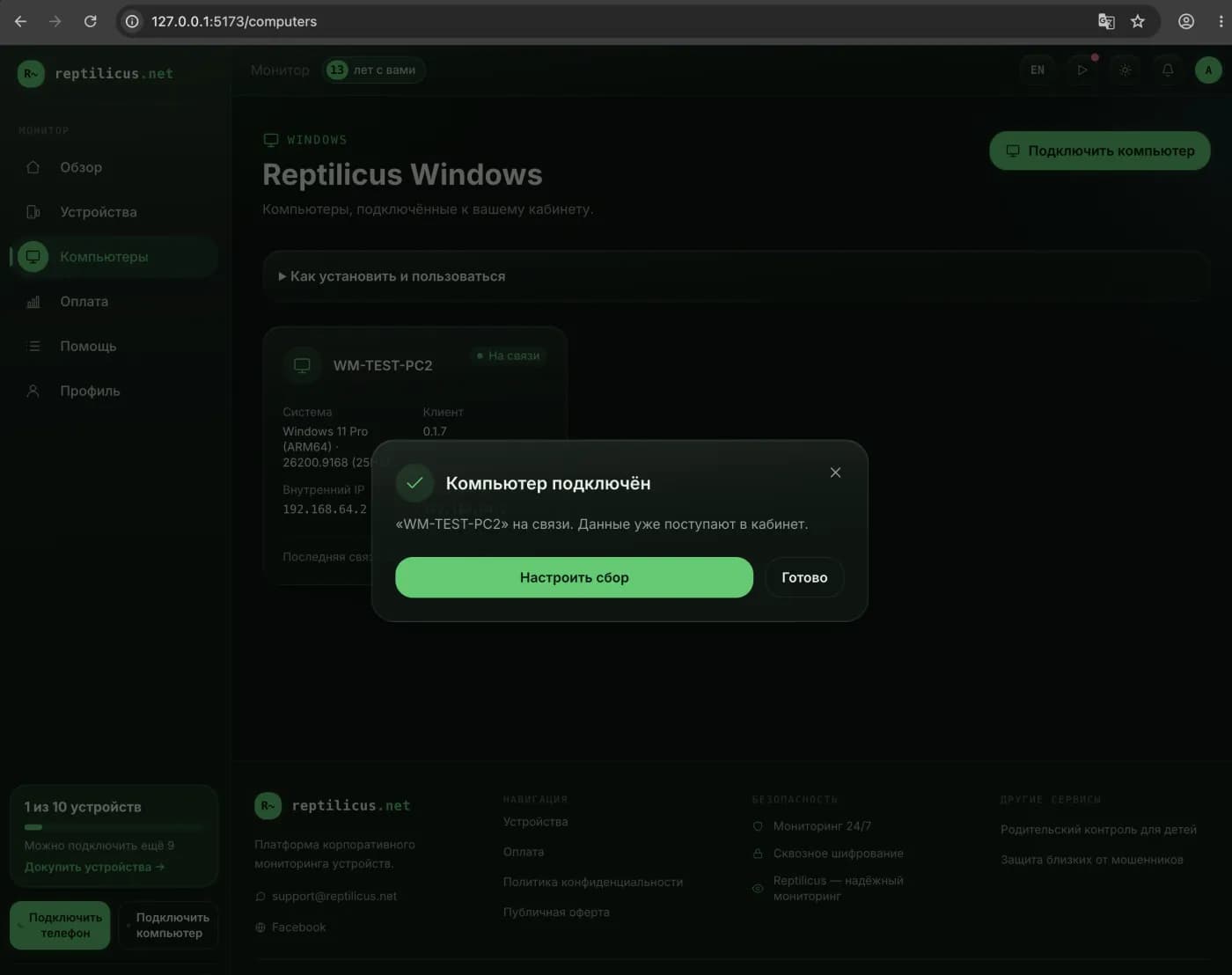
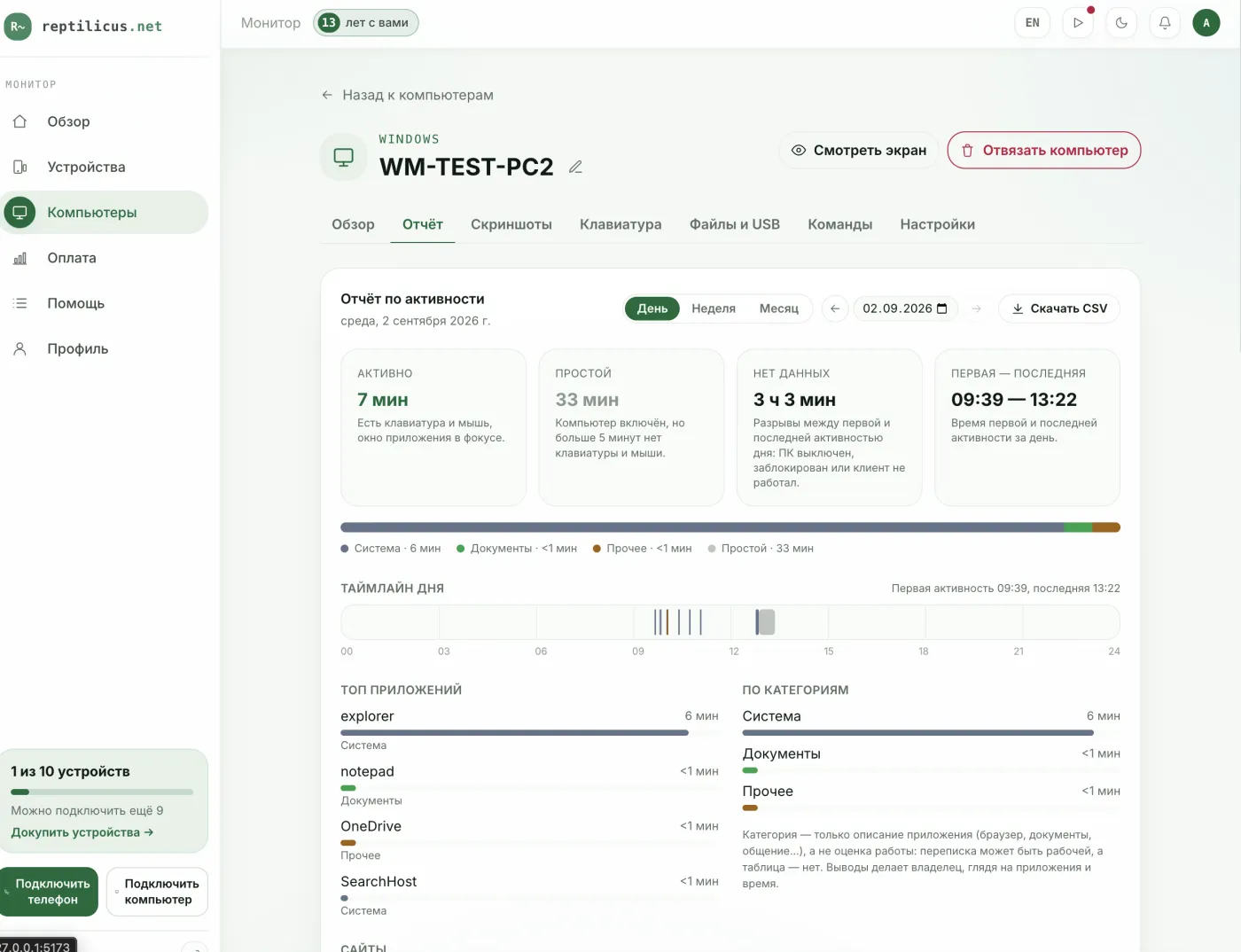
In a tracking program, for example Reptilicus for Windows, the manager sees an activity report in the dashboard: active time, idle periods, the day timeline, top apps and categories. A category here is only a description of the app (browser, documents, messaging), not a verdict: a chat may be work-related, while a spreadsheet may not be. The owner draws the conclusions by looking at the apps and time.
How to set up monitoring legally
- Monitor only company devices. Personal phones and PCs are out of scope.
- Notify employees. Spell out the monitoring in the employment contract or a separate policy, signed.
- Collect consent where required. Set out the data-processing procedure.
- Don’t collect more than needed. Passwords and personal data — no; work activity — yes.
What you must not do
- Covertly install programs on employees’ personal devices.
- Hide the fact of monitoring where the law requires notice.
- Use the data for purposes unrelated to work.
Frequently asked questions
Is it legal to monitor an employee at the computer?
Yes, on a company computer and with notice to the employee. This is corporate monitoring of work devices, not covert surveillance.
Is the employee’s consent required?
Employees are notified about monitoring, and the procedure is fixed in company documents. The details depend on the jurisdiction — check with a lawyer.
Conclusion
You can find out what an employee does at the computer legally and transparently: tracking active time, apps, sites and screenshots on company PCs with notice. A program like Reptilicus for Windows gives the facts, and the manager makes the decisions.

Reptilicus for Windows
Screenshots, apps, sites and computer activity in one dashboard. Phones and PCs together. First day free.
Create a dashboard — the Windows installer will be in the “Computers” section