Computer Spy Software: What It Is and Legal Ways to Monitor
People search for "computer spy software" for different reasons: some want to keep an eye on a child, others want to understand what is happening on a work PC. But "spy" implies secretly installing software on someone else's device, and that is risky both legally and ethically. Let's clarify how genuine surveillance differs from lawful monitoring and how to solve the task without risk.
- "Spy software" implies secret installation on someone else's device, which is illegal.
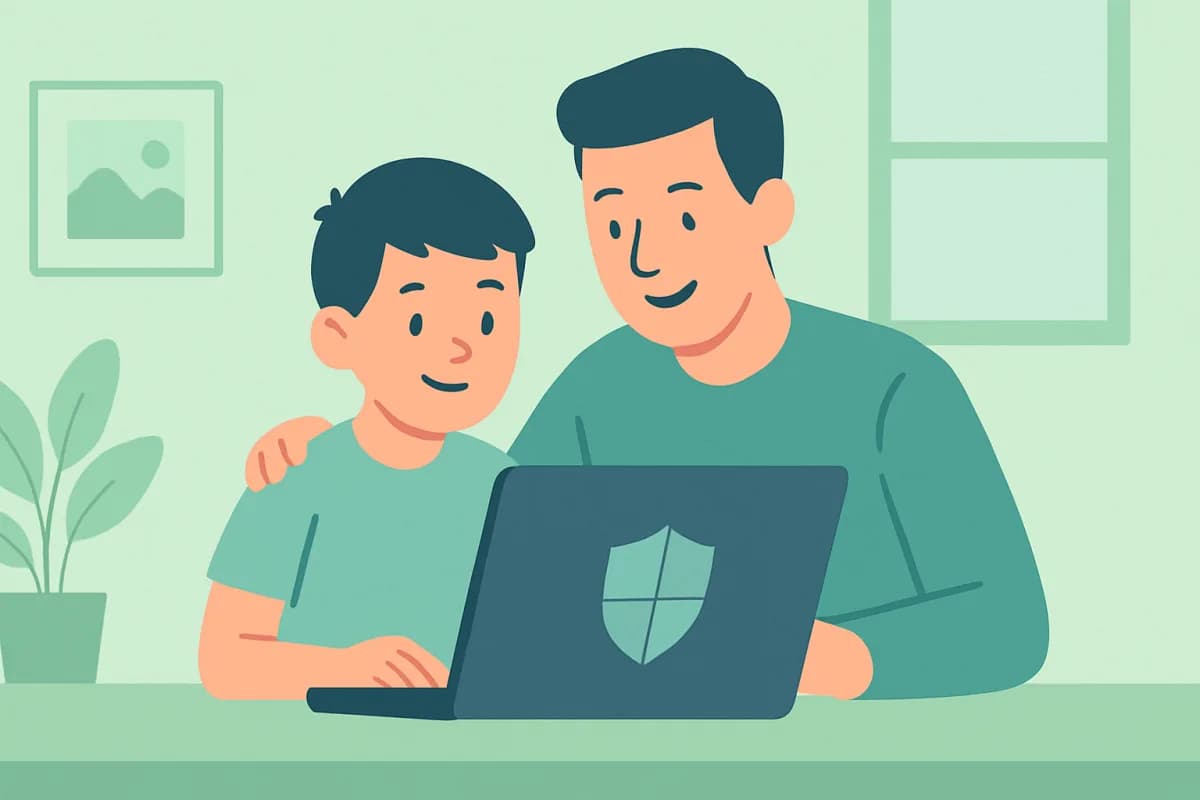
- Lawful monitoring is on your own PC, your child's device, or a company computer with employee notice.
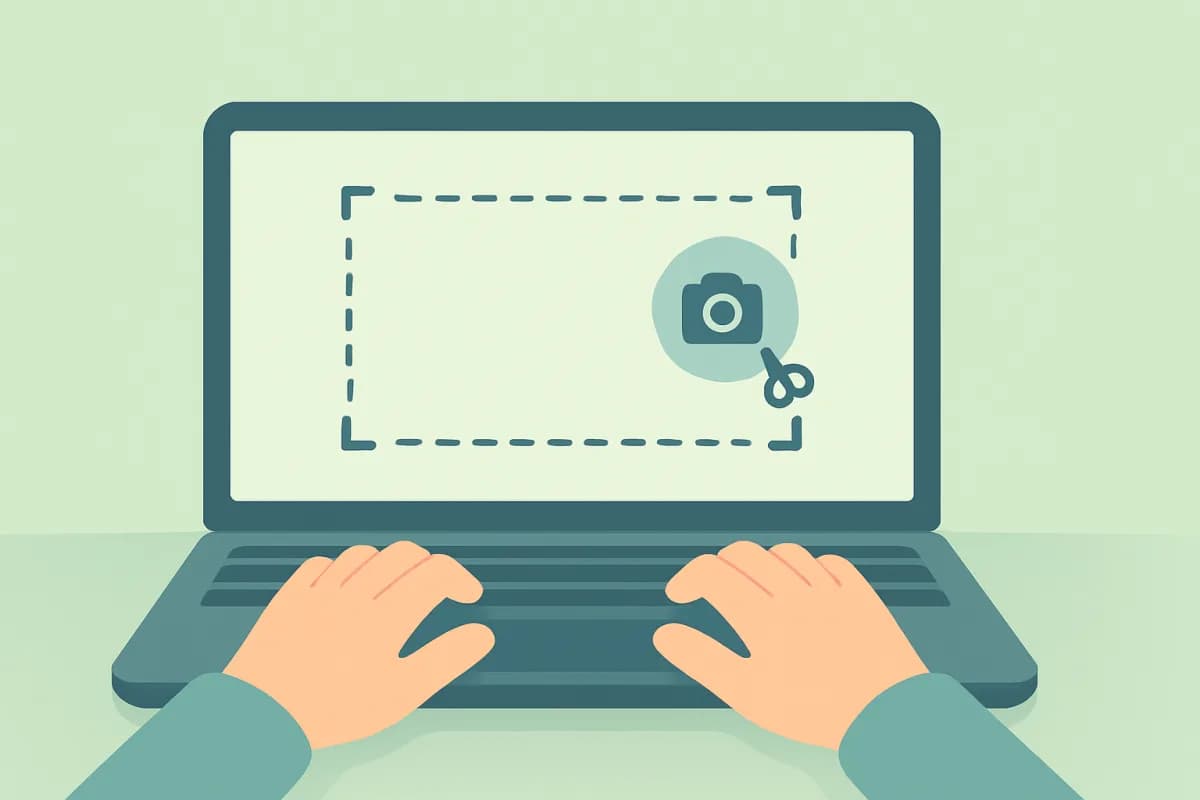
- In terms of features, lawful programs do the same: screenshots, app and website history, time tracking.
- The difference is legality and transparency, not capabilities.
What spy software means
"Spy" software usually refers to programs installed secretly on someone else's computer to collect data covertly. This can violate privacy law, and dubious programs downloaded online often turn out to be malware that steals data from the very person who installed them.
How lawful monitoring differs from spying
Functionally, a lawful monitoring program does the same things: takes screenshots, keeps a history of programs and websites, and tracks active time. The difference comes down to three things:
- Whose device it is. Your own, your child's, or a company device is fine; someone else's personal device is not.
- Consent and notice. Employees are notified about monitoring; within a family you agree on it.
- Product transparency. A clear vendor, a personal dashboard, a data policy, not a nameless "spy".
When computer monitoring is legal
- Parental supervision of your own minor child's PC.
- Monitoring of company work computers with employee notice.
- Watching your own device (for example, to understand who is using it).
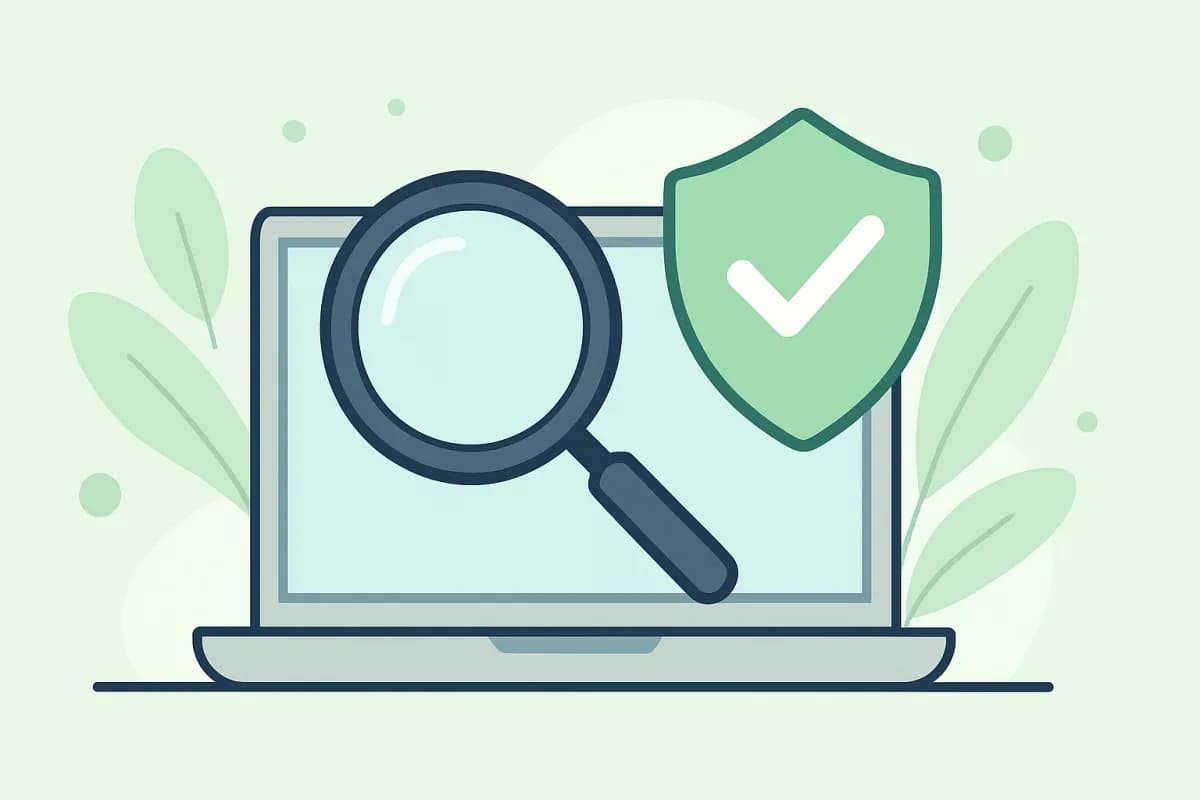
A safe alternative to a "spy"
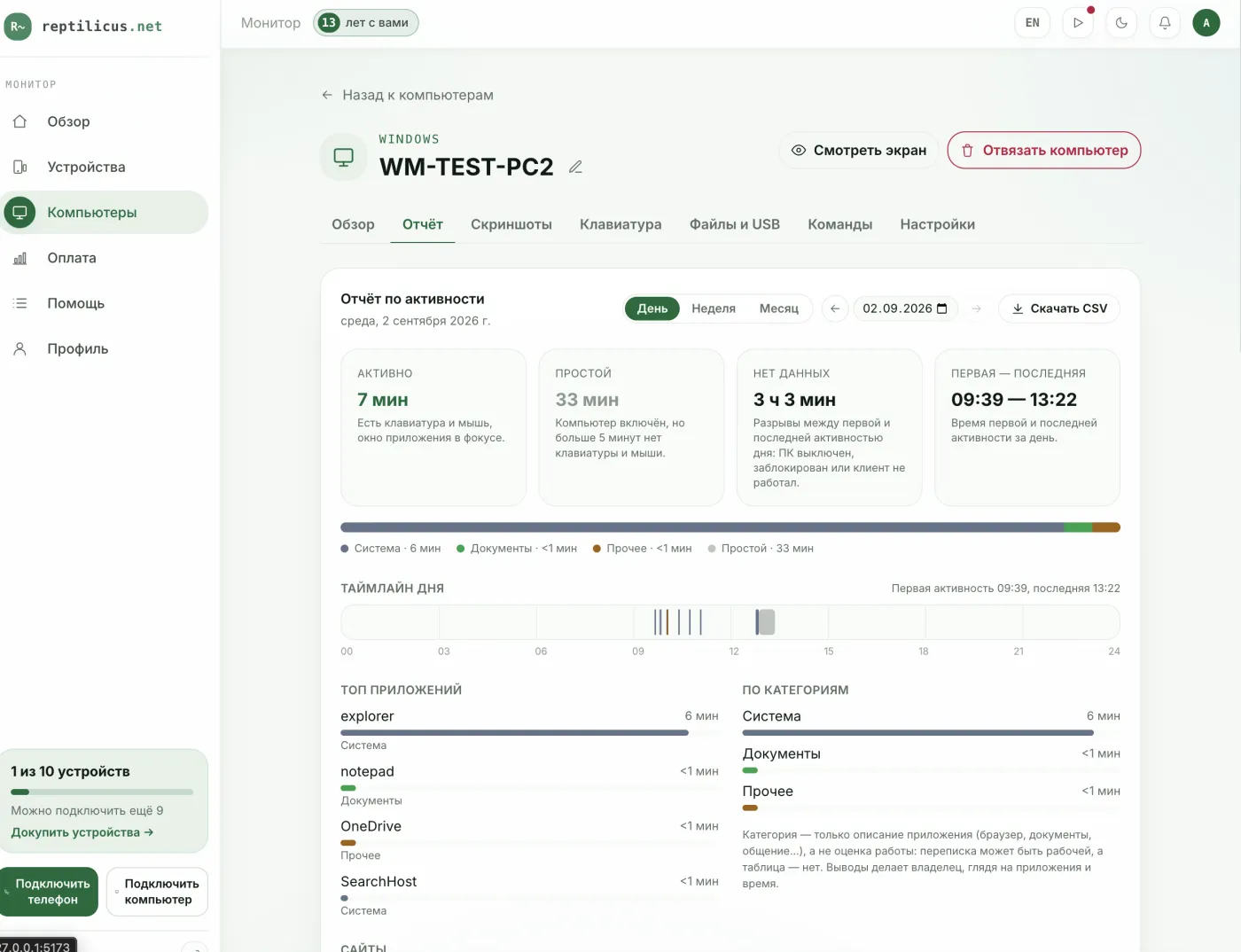
Instead of hunting for dubious software, use a transparent solution. Reptilicus for Windows shows daily screen captures, app and website history, typed text, activity and idle time in your personal dashboard. It is all lawful: it is installed on your own devices, employees are notified, and the data goes to your dashboard, not to third parties.
How to get started
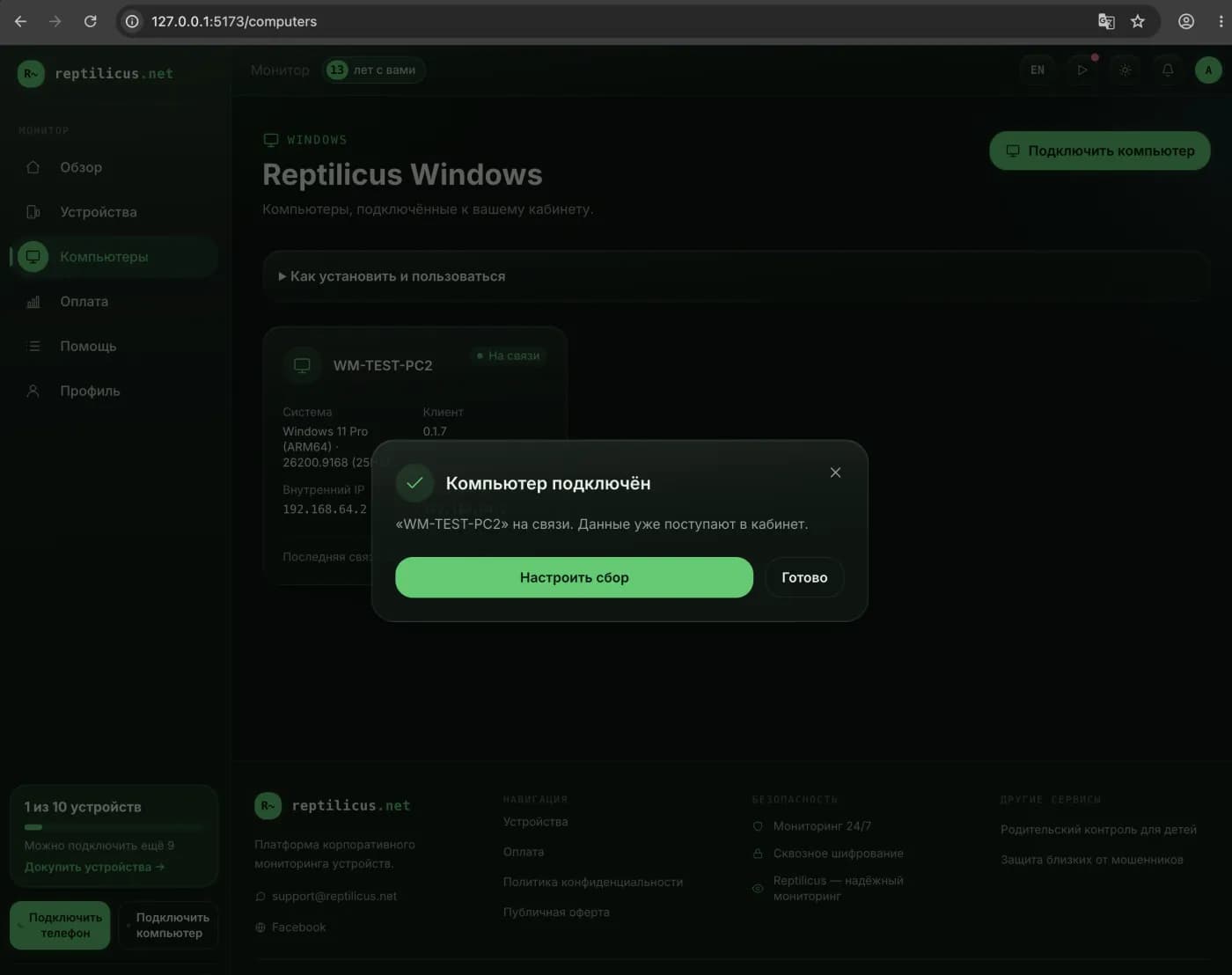
- Create a dashboard account and open the "Computers" section.
- Click "Connect a computer" and get a code.
- Install the program and enter the code, and the data will appear in your dashboard.
Frequently asked questions
Can I secretly install a program on someone else's computer?
No. Secret installation on someone else's personal device is illegal. Monitoring is possible on your own devices, your child's device, or a company PC with notice.
Are free "spies" from the internet safe?
Often not: malware is distributed under the guise of a spy tool. Use products with a name, support, and a clear data policy.
Conclusion
A "spy program" is a bad idea both legally and for security. The same task is solved by lawful monitoring on your own devices: screenshots, activity history and time tracking in a transparent dashboard, for example Reptilicus for Windows.
Reptilicus for Windows
Screenshots, programs, websites and computer activity in one dashboard. Phones and PCs together. First 24 hours free.
Create a dashboard — the Windows installer will be in the “Computers” section