Computer Monitoring Software: What It Is, Features and Setup
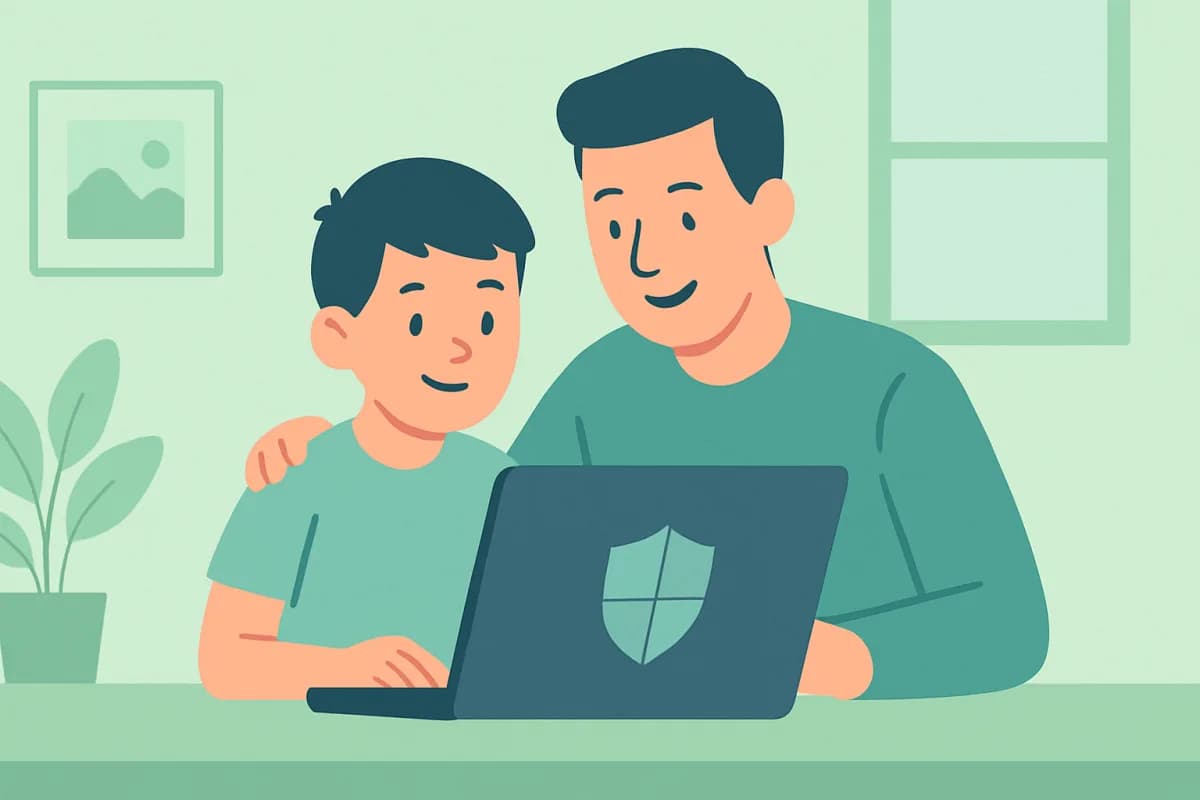
Computer monitoring software solves two problems: it helps a business understand how work PCs are used, and helps parents keep an eye on a child's home computer. Let's look at what such software can do, where it's used and how to set up monitoring legally and without unnecessary hassle.
- Monitoring software shows activity, apps, sites and screenshots.
- Used in business (work PCs) and at home (parental control).
- Legal on your own devices, a child's device and work equipment with notice.
- Installs in a minute; the data lives in a personal dashboard.
What computer monitoring software can do
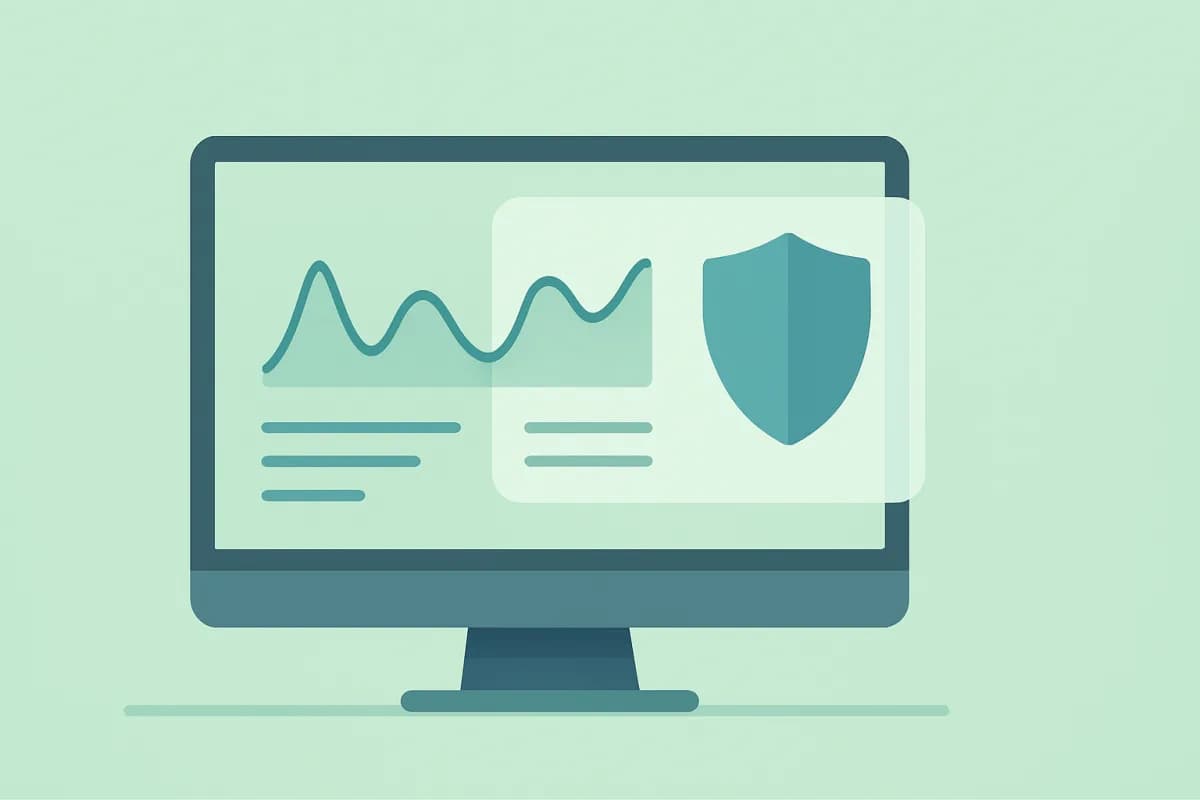
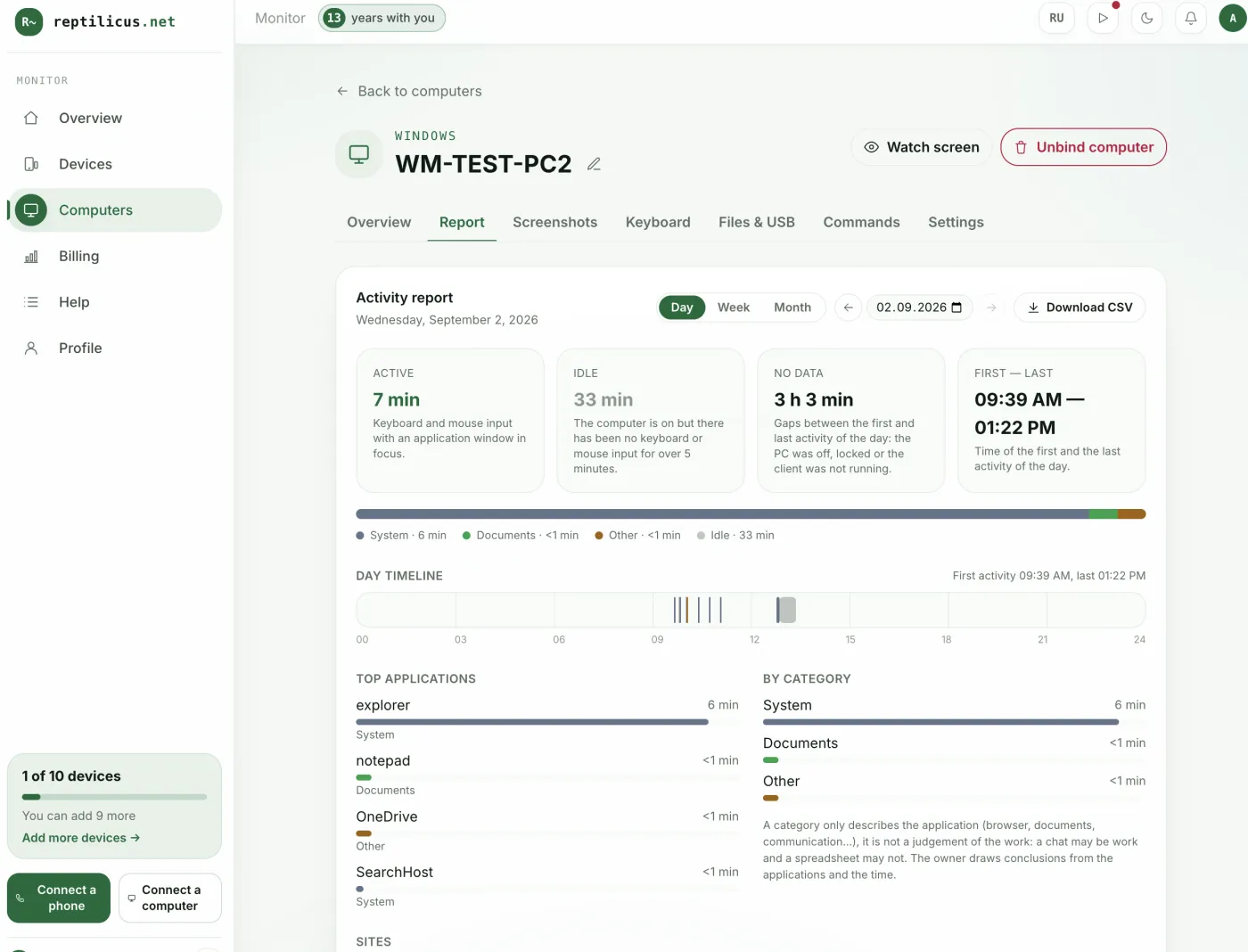
- Activity tracking. Active time, idle periods, a timeline of the day.
- App and site history. What was done on the PC.
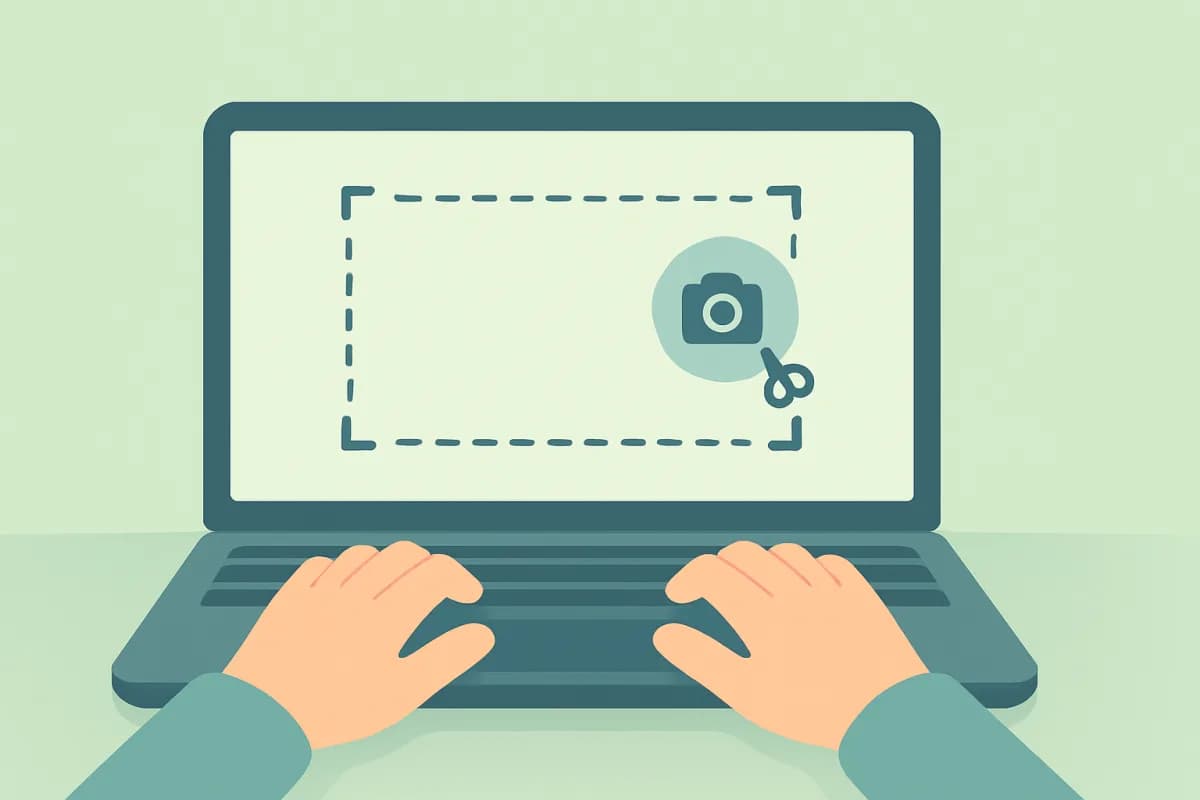
- Screenshots. A clear day-by-day picture.
- Device control. USB, printing, files, clipboard.
Where it is used
Business. Monitoring work computers: time tracking, productivity, leak protection — with employees notified. Home. Parental oversight of a child's computer: how much time on the PC, which sites and apps.
How to set up monitoring
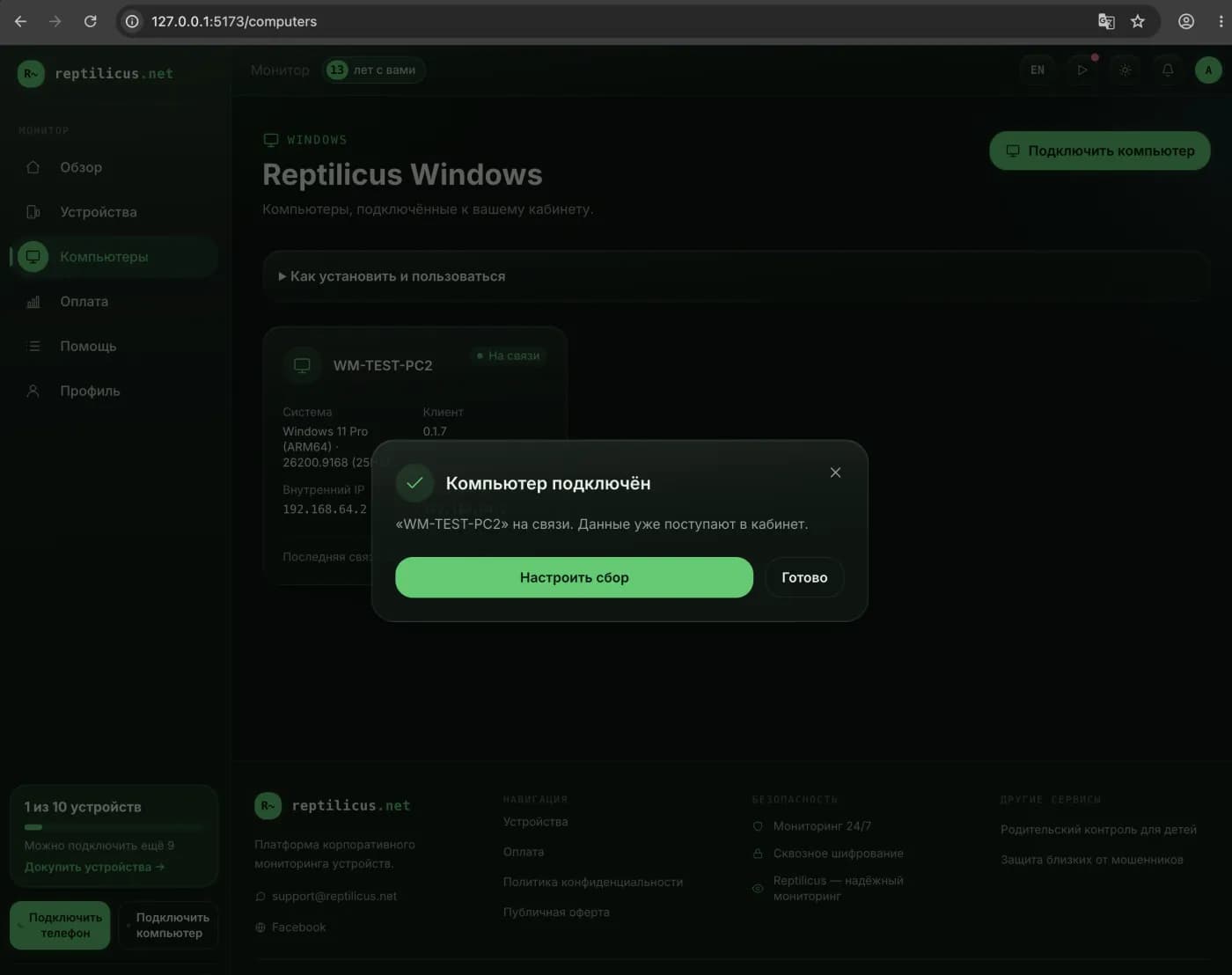
- Create a personal dashboard and open the Computers section.
- Click "Connect computer" and get a code.
- Install the software on the PC and enter the code — data starts coming in.
In Reptilicus for Windows all of this is available in one dashboard: activity, apps, sites, screenshots and device events. Computers and phones count in a shared pool, so all monitoring is in one place.
Legal and ethical
Computer monitoring is legal on your own devices, your own child's device and work PCs with employees notified. Installing covertly on someone else's personal devices is not allowed.
Frequently asked questions
Which computer monitoring software should I choose?
It depends on the task — time tracking, screenshots or leak protection. For most cases a lightweight tool with a clear dashboard like Reptilicus for Windows is a good fit.
Is it legal?
Yes, on your own devices, a child's device and work equipment with employees notified.
Conclusion
Computer monitoring software suits both business and home: activity, apps, sites and screenshots in one dashboard. Reptilicus for Windows sets up in a minute and keeps every device in view — legally and transparently.
Reptilicus for Windows
Screenshots, apps, sites and computer activity in one dashboard. Phones and PCs together. First 24 hours free.
Create a dashboard — the Windows installer will be in the “Computers” section